Skip to content
ODIN WorkstationBook a demo

All-in-one

Enforced Assembly System

Every part built right, every time. ODIN Workstation guides every operator, enforces every step and proves how every part was built.
Book a demo
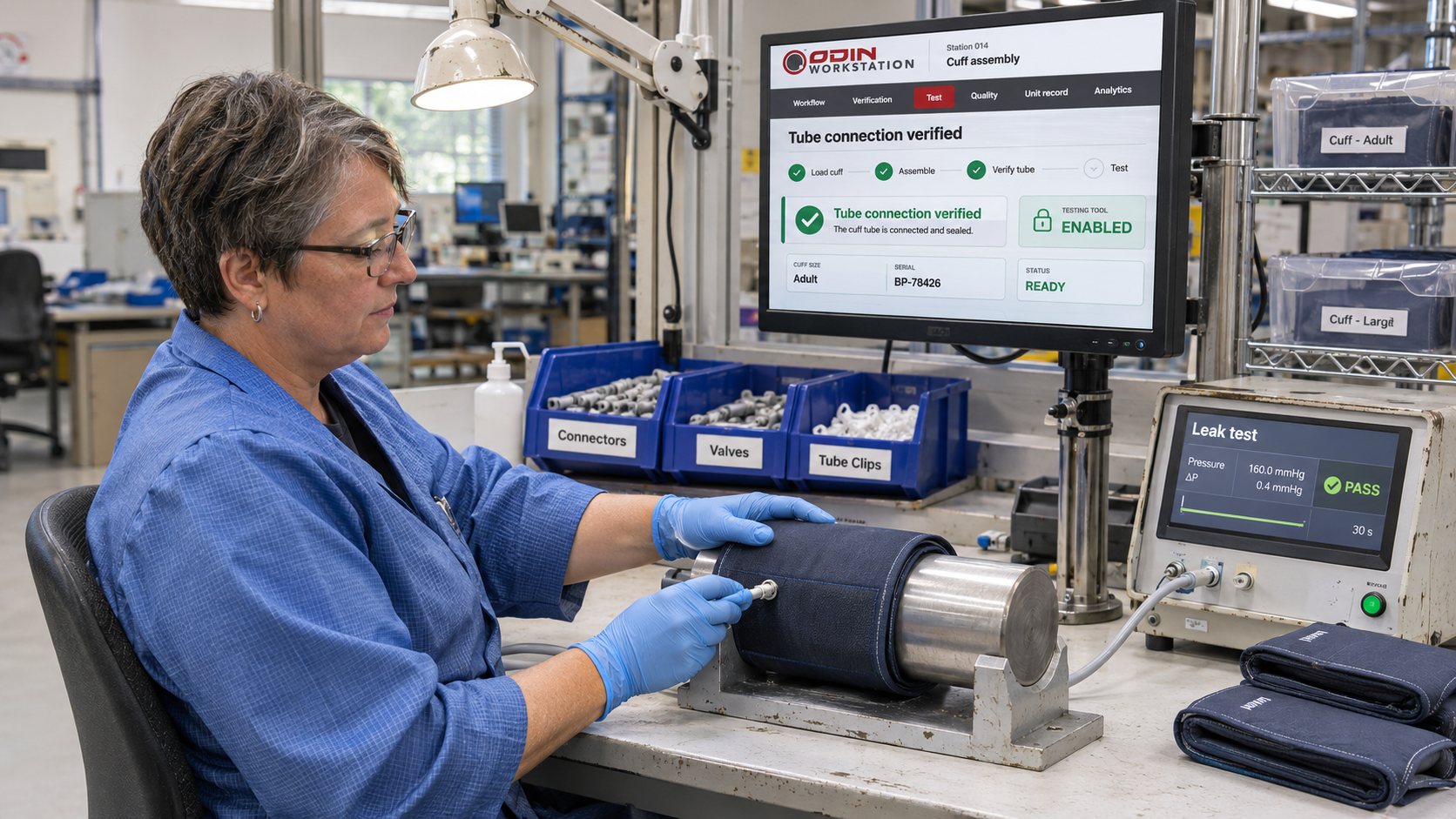
Operator verifying a blood pressure cuff, with her hands, cuff and ODIN Workstation screen visible

Trusted by manufacturers worldwide.

ODIN Workstation has proven results.

  • Audi logo
  • Škoda logo
  • Erkunt logo
  • Ashok Leyland logo
  • Mahindra logo
  • Mahindra Electric logo
  • TM4 logo
  • Trontek logo
  • Electra EV logo
  • ZF logo
  • Dana logo
  • Dinex logo
  • Tenneco logo
  • Purem by Eberspächer logo

See ODIN Workstation in action

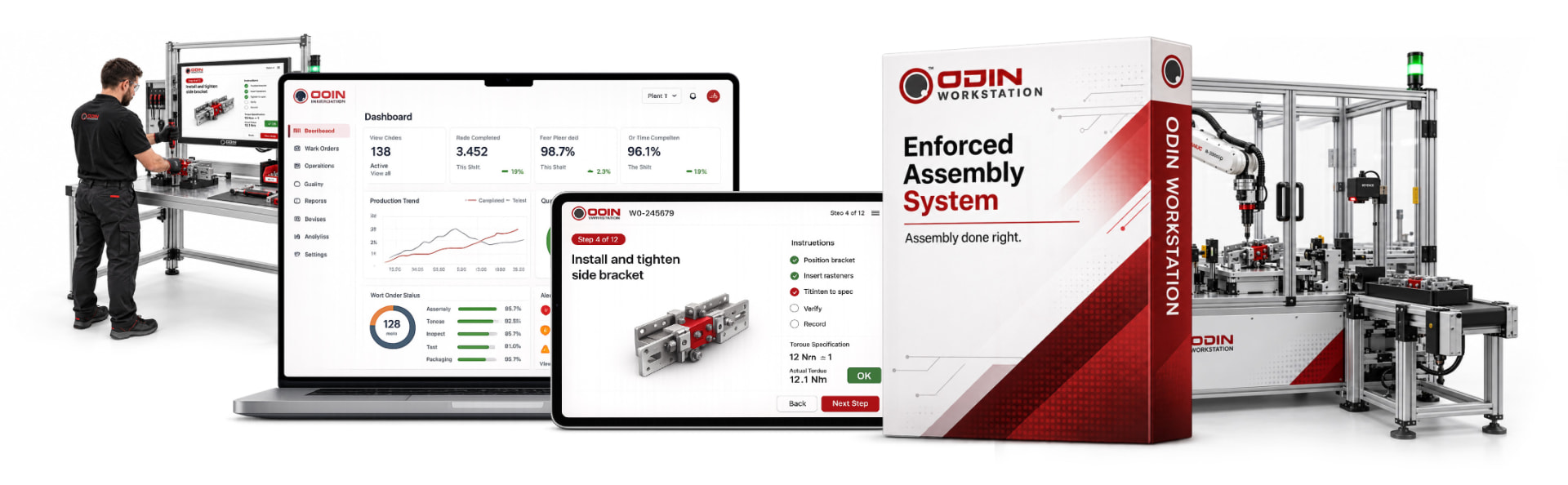
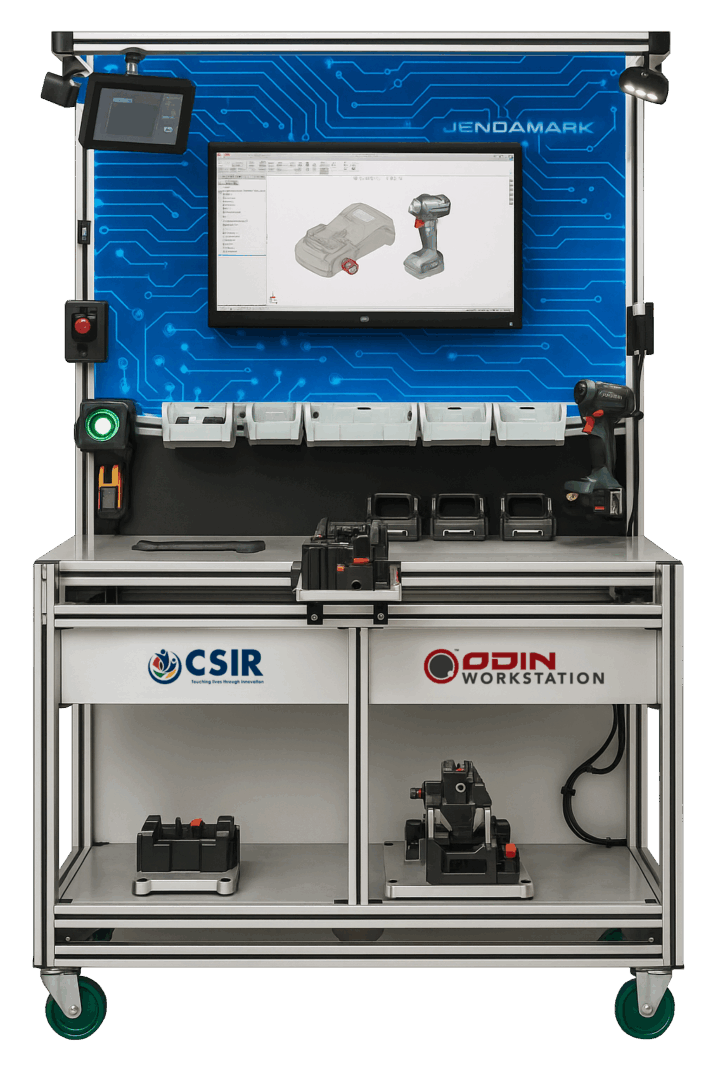
ODIN Workstation across a manual workstation, a laptop dashboard, tablet work instructions, the Enforced Assembly System box and an automated robotic cell
How it works

What ODIN Workstation gives you

Throughput without headcount

Produce 30 to 50% more with your current workforce and machines.
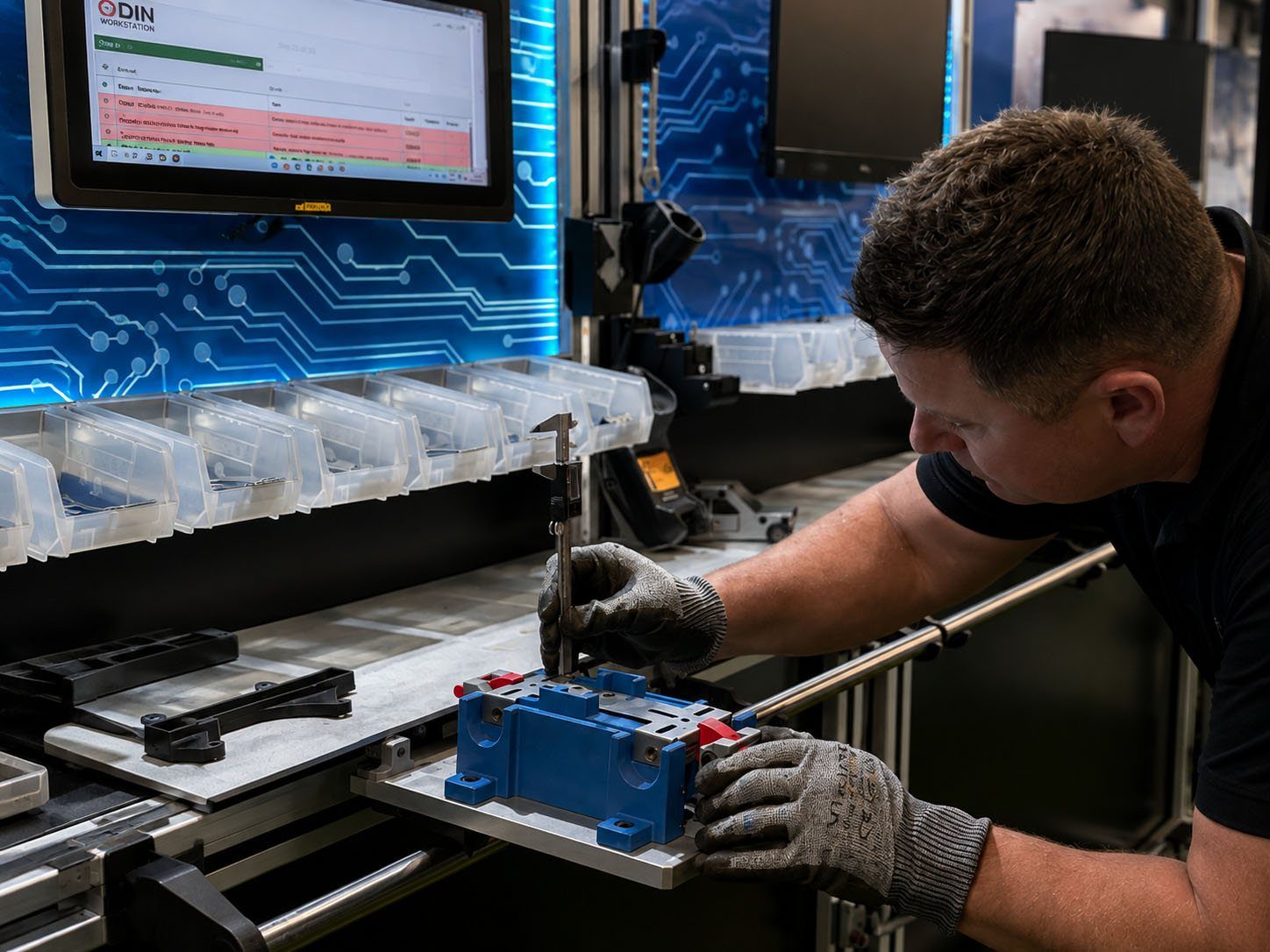
Operator connecting a component at an ODIN Workstation fixture
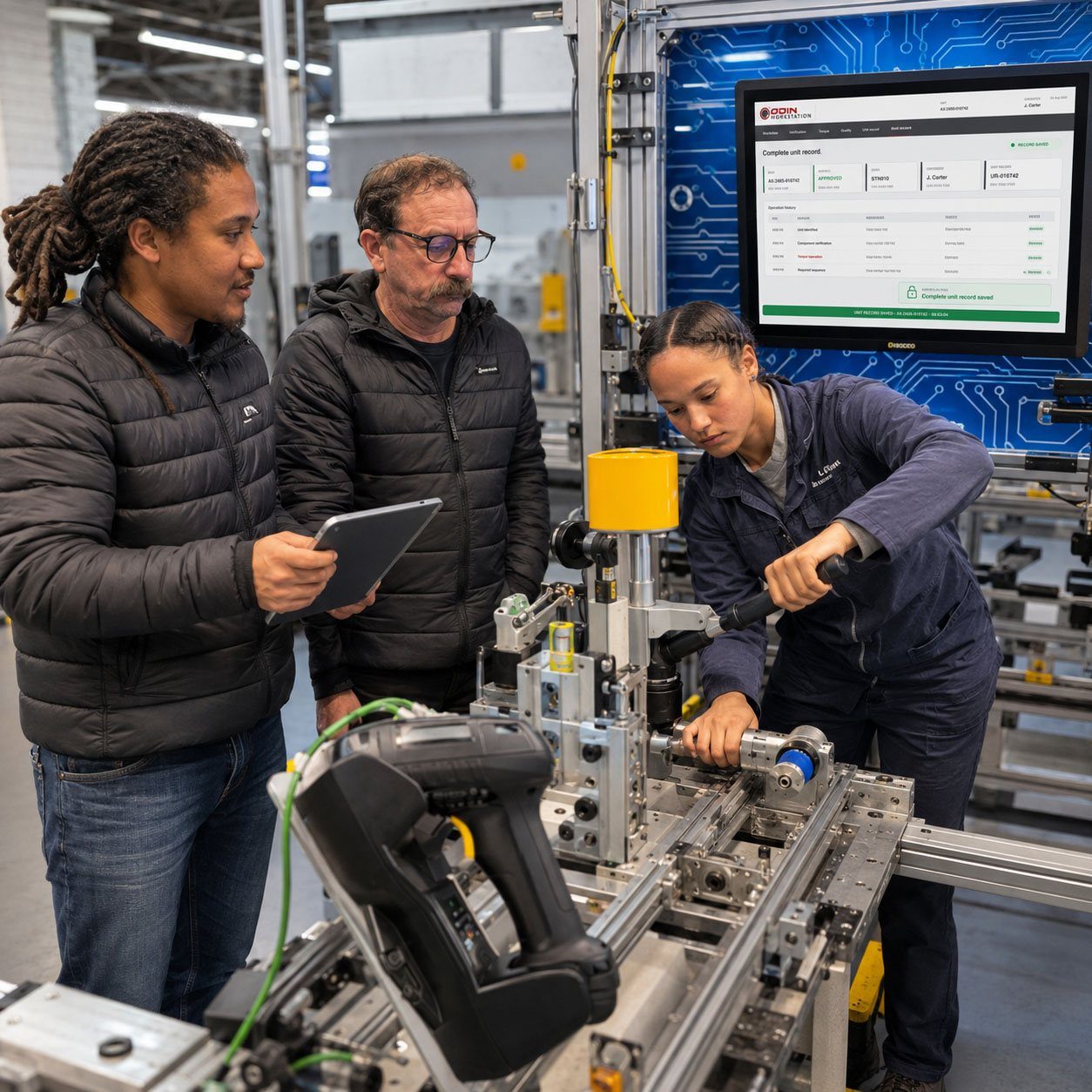
Trainer and two operators learning a build at an ODIN Workstation with a tablet

Train anyone, anytime

Onboard new or seasonal workers in days with the Digital Training Dojo.
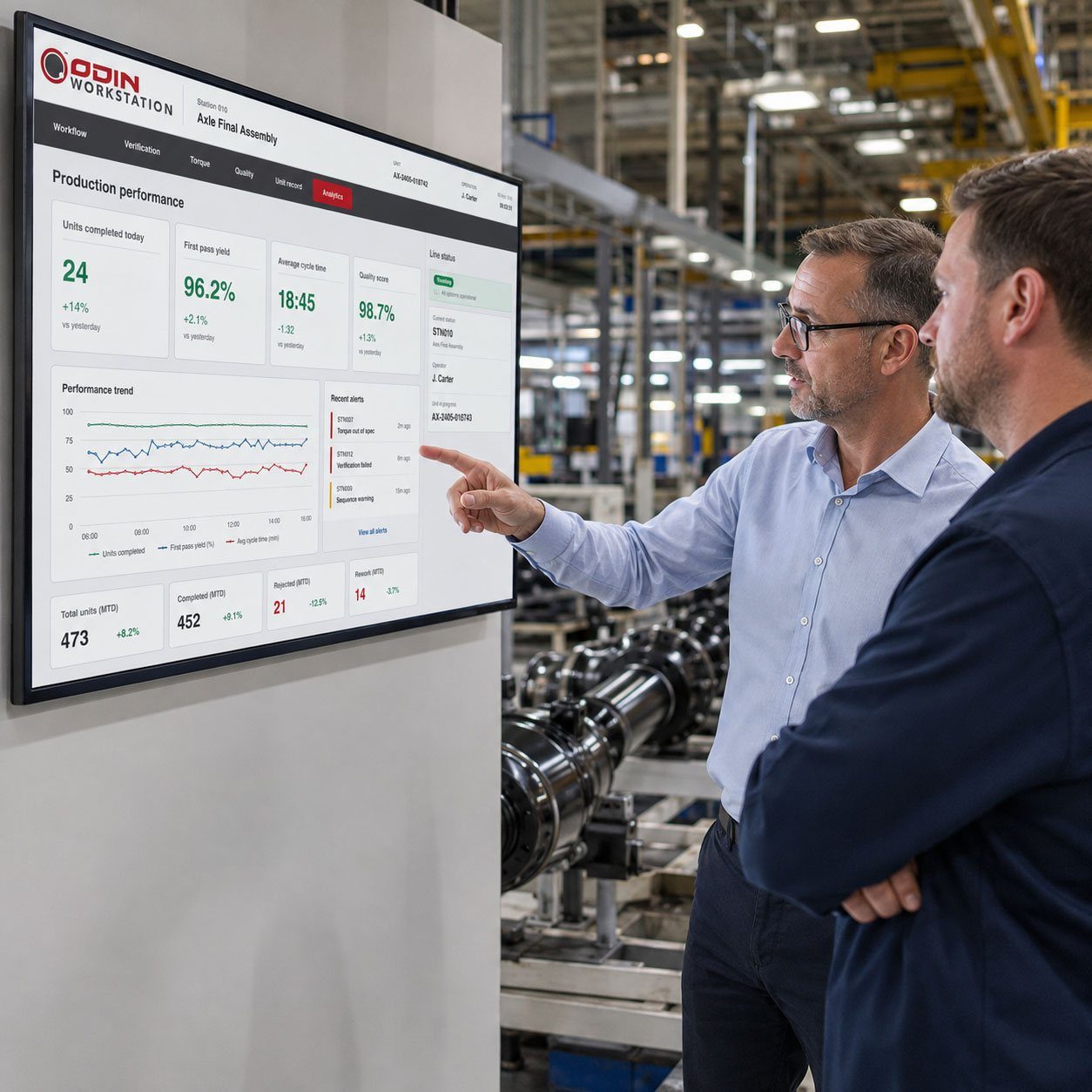
Two engineers reviewing live production data on an ODIN Workstation dashboard

Digital clarity over paper chaos

Replace outdated instructions with image-based guidance operators follow every time.

Audit-ready compliance

Trace every action. Generate reports instantly. Meet industry standards with ease.

Quality inspector scanning a part with a handheld scanner and tablet

Proven global results

Manufacturers report 80% higher quality output, 200% more production flexibility and 50% lower scrap and training costs.

+80%
Higher quality output
+200%
More production flexibility
−50%
Lower scrap and training costs

Built for every manufacturer who wants to scale smarter

ODIN Workstation helps you produce more, train faster and stay consistent. No matter your size.
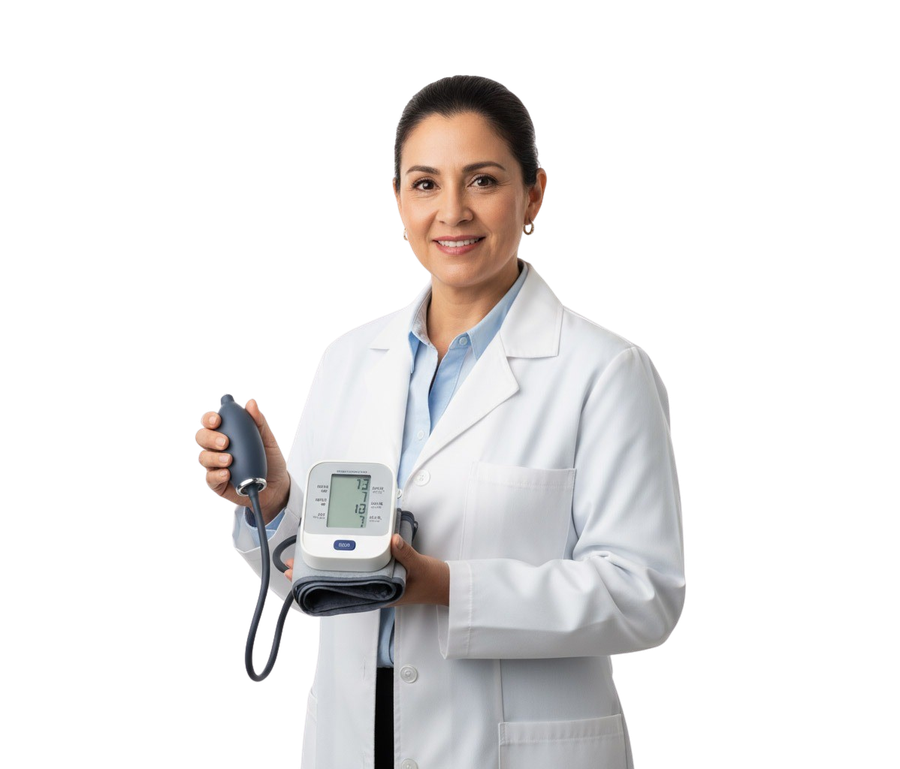
Medical device maker in a white coat holding a blood pressure monitor and cuff

Small

“I make blood pressure cuffs.”

Start simple. Replace paper with digital steps. Train faster and reduce errors from day one.

Production worker in a blue hard hat holding an inverter

Medium

“I make inverters.”

Guide operators, capture data automatically, and stay audit-ready with digital clarity.
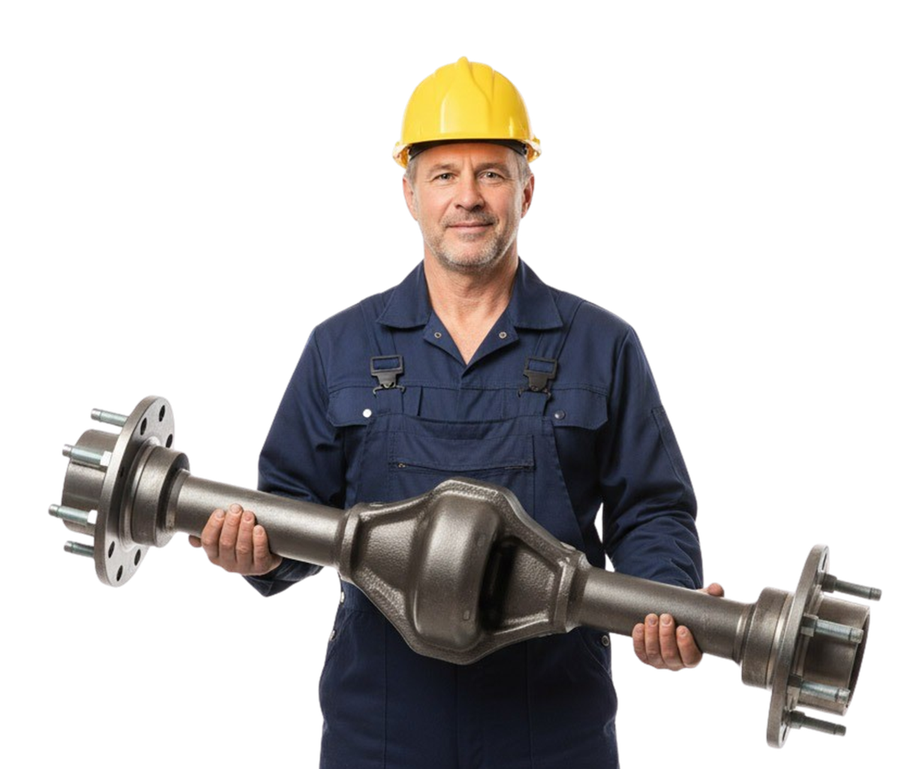
Production worker in a yellow hard hat holding a vehicle axle

Large

“I make axles.”

Connect people, tools and machines. Control quality and scale output with confidence.

Where it works

Built for the lines where mistakes cost most

From heavy drivetrain parts to cleanroom devices, the same station enforces the right steps.
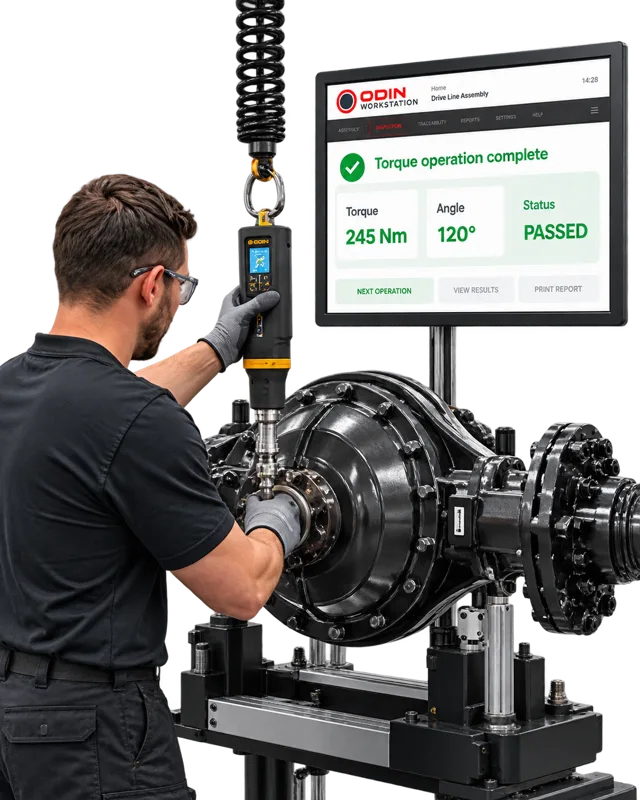
  • Operator tightening an axle housing with a guided torque tool

    Axles

    Torque-controlled assembly with full traceability.
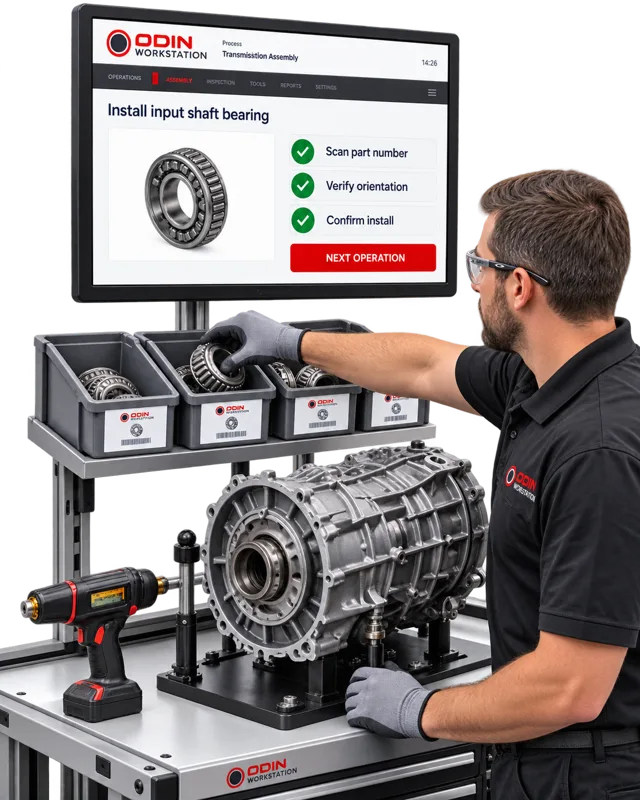
  • Technician assembling a transmission with on-screen instructions

    Transmissions

    Guided assembly with part verification.
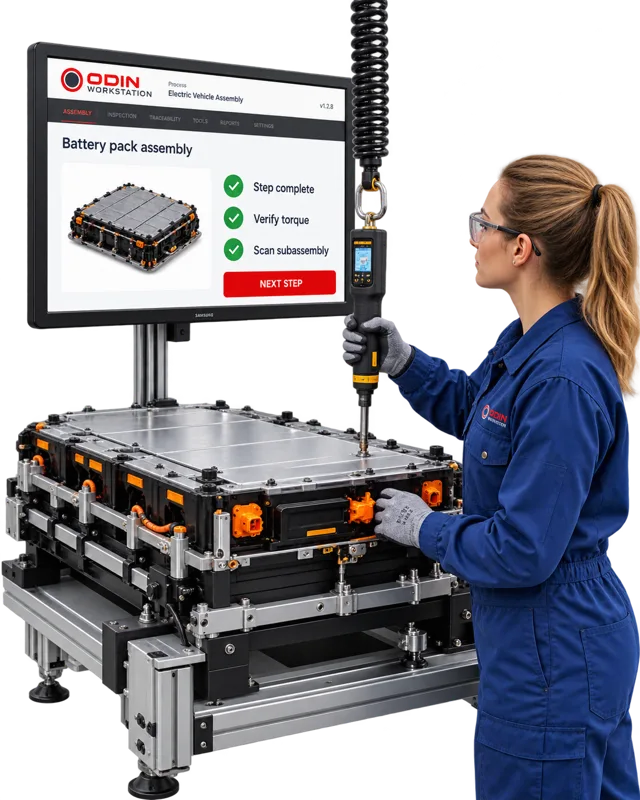
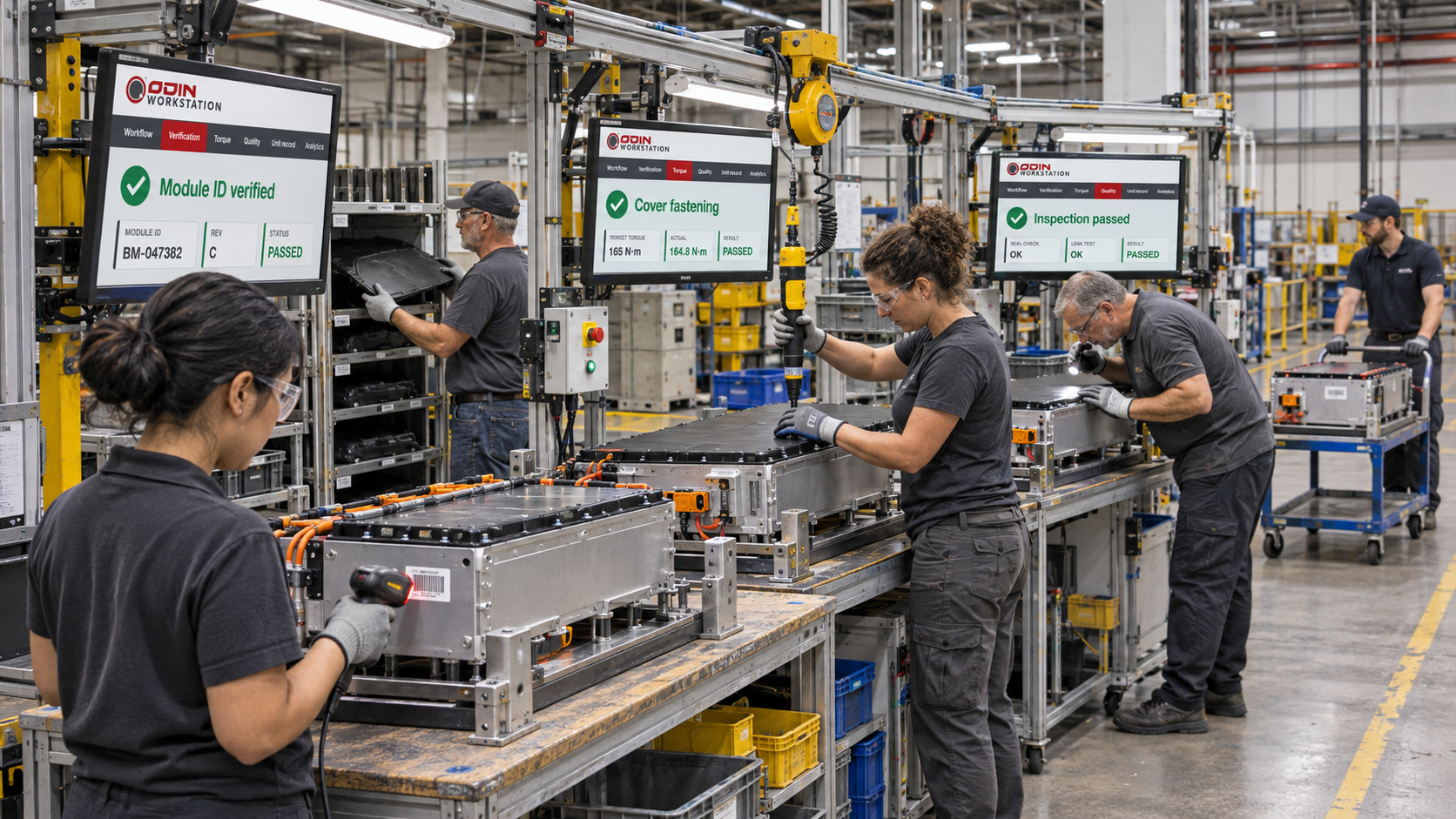
  • Operator assembling a battery pack at a guided station

    Battery packs

    Structured workflows for complex EV assemblies.
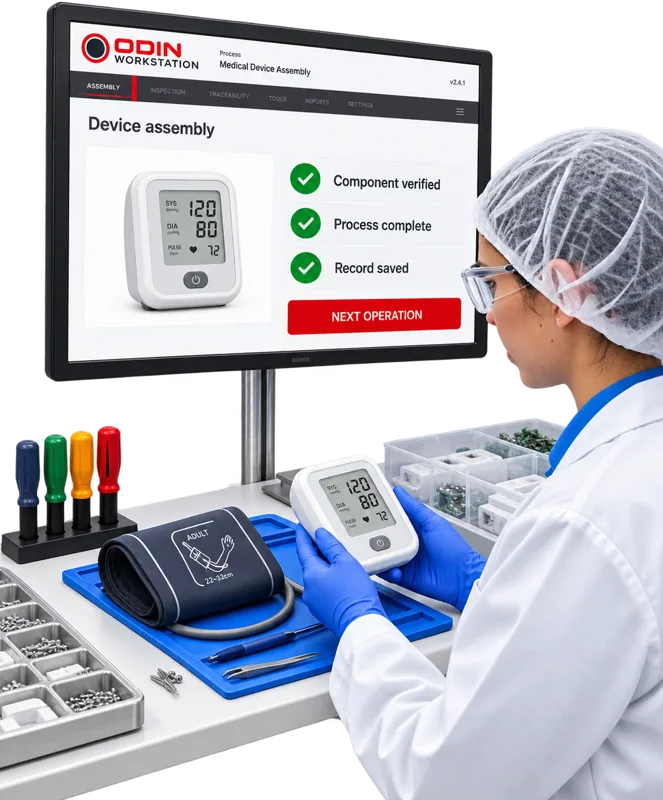
  • Cleanroom operator assembling a blood pressure monitor

    Medical devices

    High-compliance, fully documented assembly.
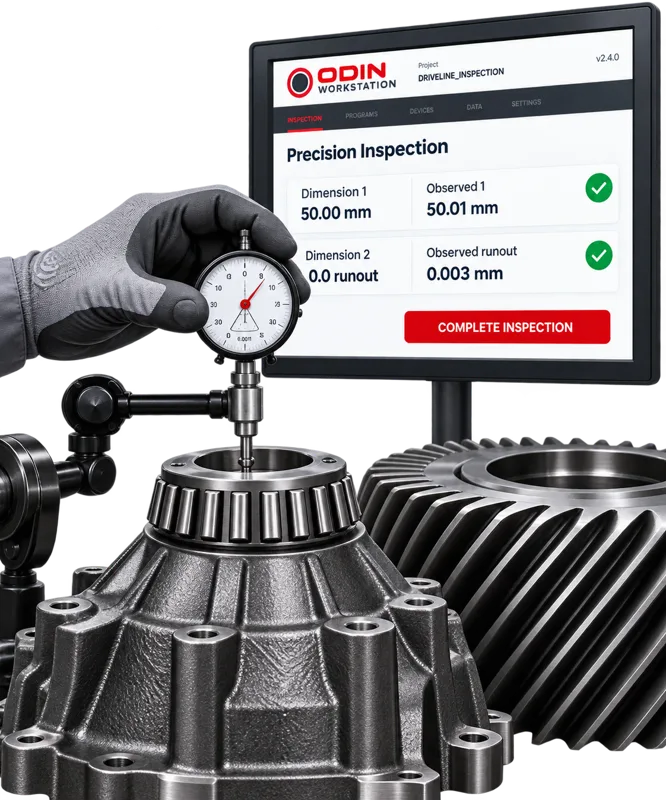
  • Dial gauge measuring runout on a gear with results on screen

    Precision inspection

    Runout and critical dimension checks.

Free guide

Find the hidden pain in your assembly line.

Discover 320 real-world issues hurting performance, quality and growth.

Download the

Pain Bible
Cover of the ODIN Workstation Pain Bible

If you've ever said this... ODIN Workstation is your solution:

  • “We're at full capacity. We can't produce more.”
  • “Our best worker is twice as fast as everyone else, but we don't know why.”
  • “Training takes too long and pulls experts off the line.”
  • “Paper instructions are outdated, inconsistent and ignored.”
  • “We can't justify millions on new machines.”
  • “Compliance is too slow, too manual and too admin-heavy.”
  • “Our customers think we look old-school compared to competitors.”
  • “Rework is killing morale and profits.”
  • “Our systems are fragile, expensive and can't adapt fast enough.”

When something goes wrong

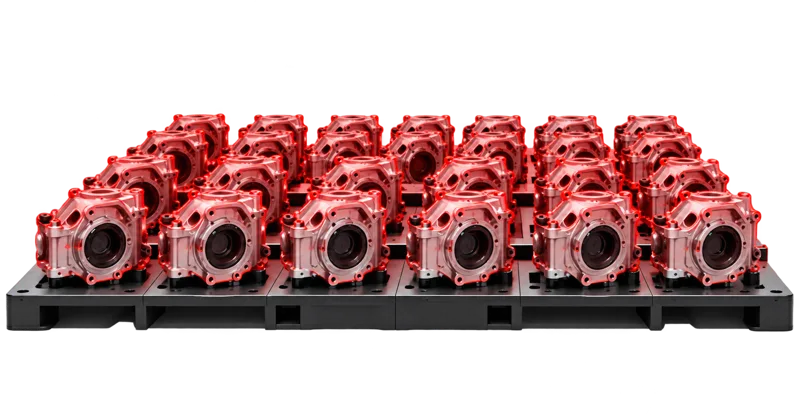
Recall a batch, or recall three parts?

Without part-level traceability you have to quarantine everything. With a Part History Report for every serial, you isolate only what's affected.

  1. 1A defect is reported
  2. 2Search the serial in ODIN
  3. 3See which parts share the cause
  4. 4Isolate only those parts

Without traceability

Broad recall

A whole pallet of parts highlighted red for recall

The whole pallet

No record of what went into each part, so the whole pallet is suspect. Sort, rework or scrap them all.

With ODIN Workstation
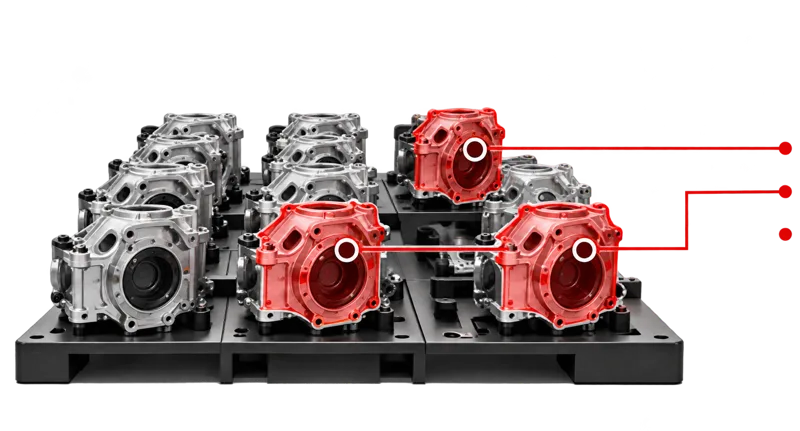
Targeted recall

Same pallet with only the three affected parts highlighted and traced

Only 3 parts

  • SN-1045837
  • SN-1045841
  • SN-1045852

Each serial is linked to its Part History Report, so you find the affected units and ship the rest with confidence.
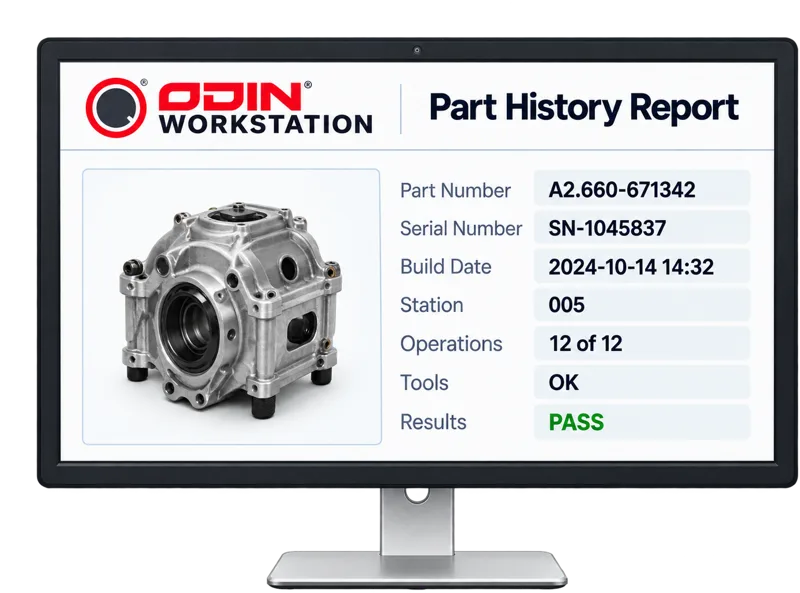
Part History Report for serial SN-1045837 showing build date, station, operations, tools and pass result

Part History Report

Who built it, when, at which station, with which parts, tools and results. For every serial number.

Its birth certificate: the record that tells you exactly which parts to pull.

Proven results

5M+

products built with ODIN Workstation

10,000+

devices connected

Backed globally

Tech Mahindra logo

by Tech Mahindra, active in 90+ countries

View case studies

Use cases

Built for every manufacturer who wants to scale smarter

Where do you fit in?Speak to our expert
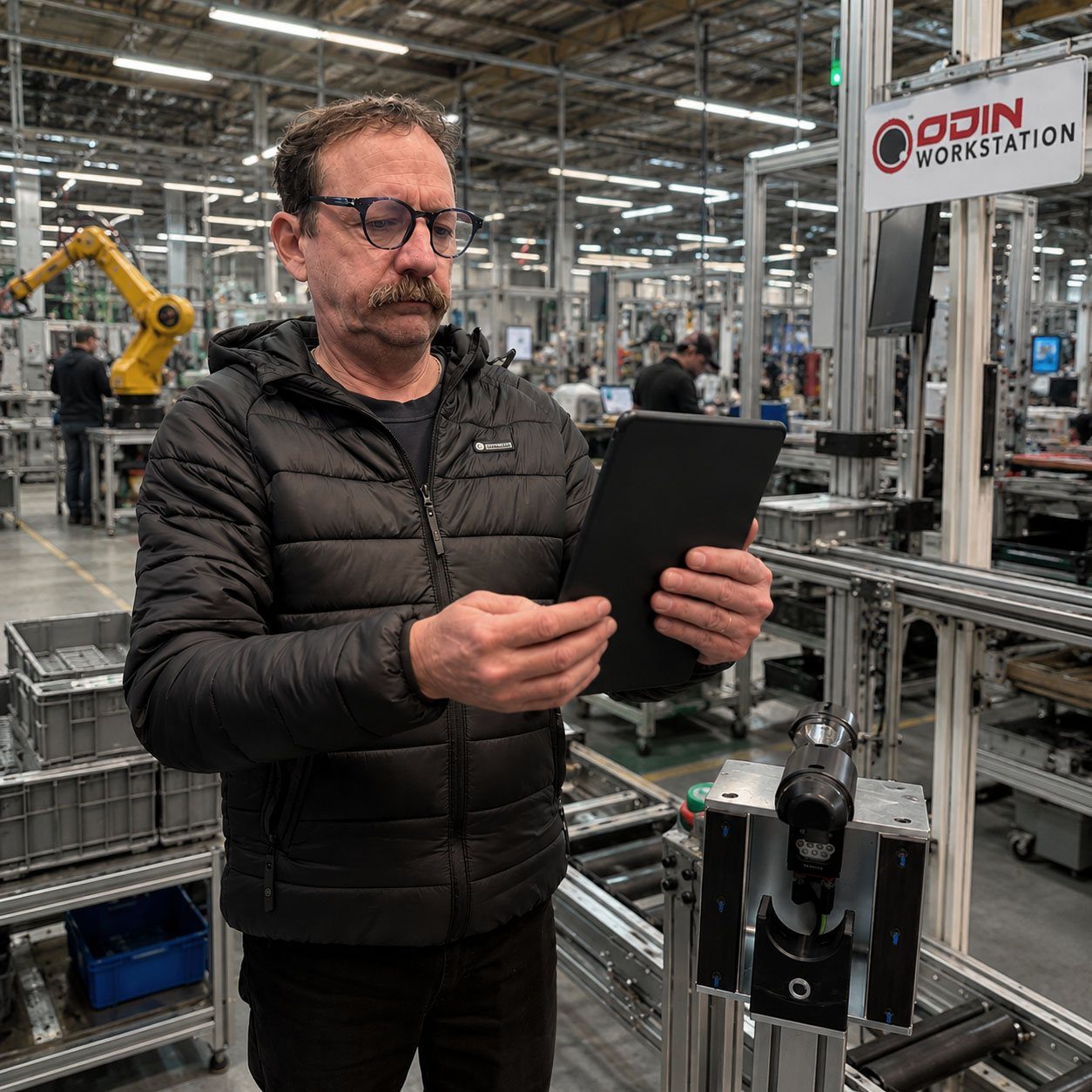
Production manager holding a tablet on a busy assembly floor

High-demand, growth-limited manufacturers

Demand exceeds capacity. ODIN Workstation unlocks 30 to 50% hidden output.
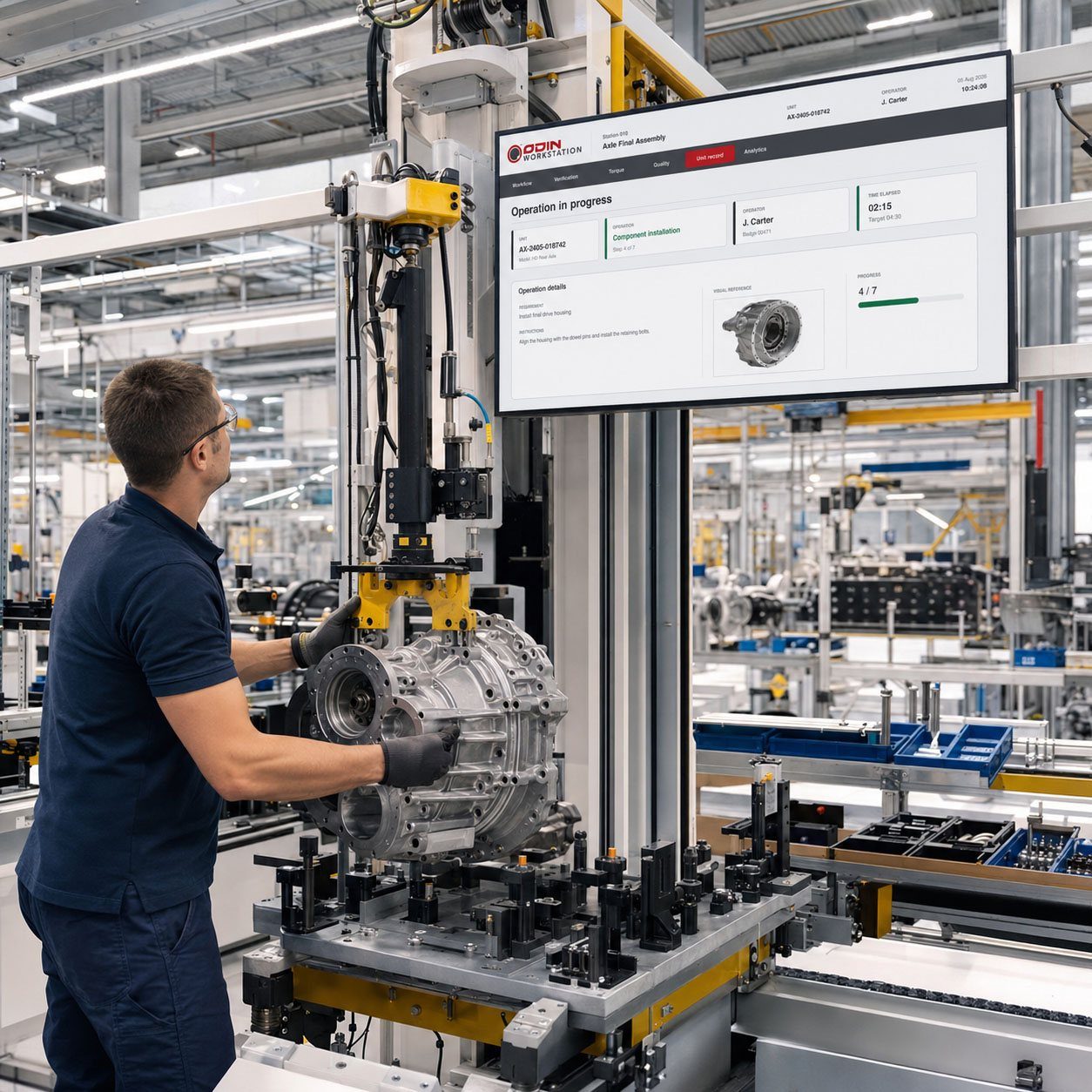
Operator assembling a gearbox at an ODIN Workstation with guided instructions on screen

Mid-sized, manual and semi-manual factories

Your first step into digital manufacturing. From paper to guided clarity.
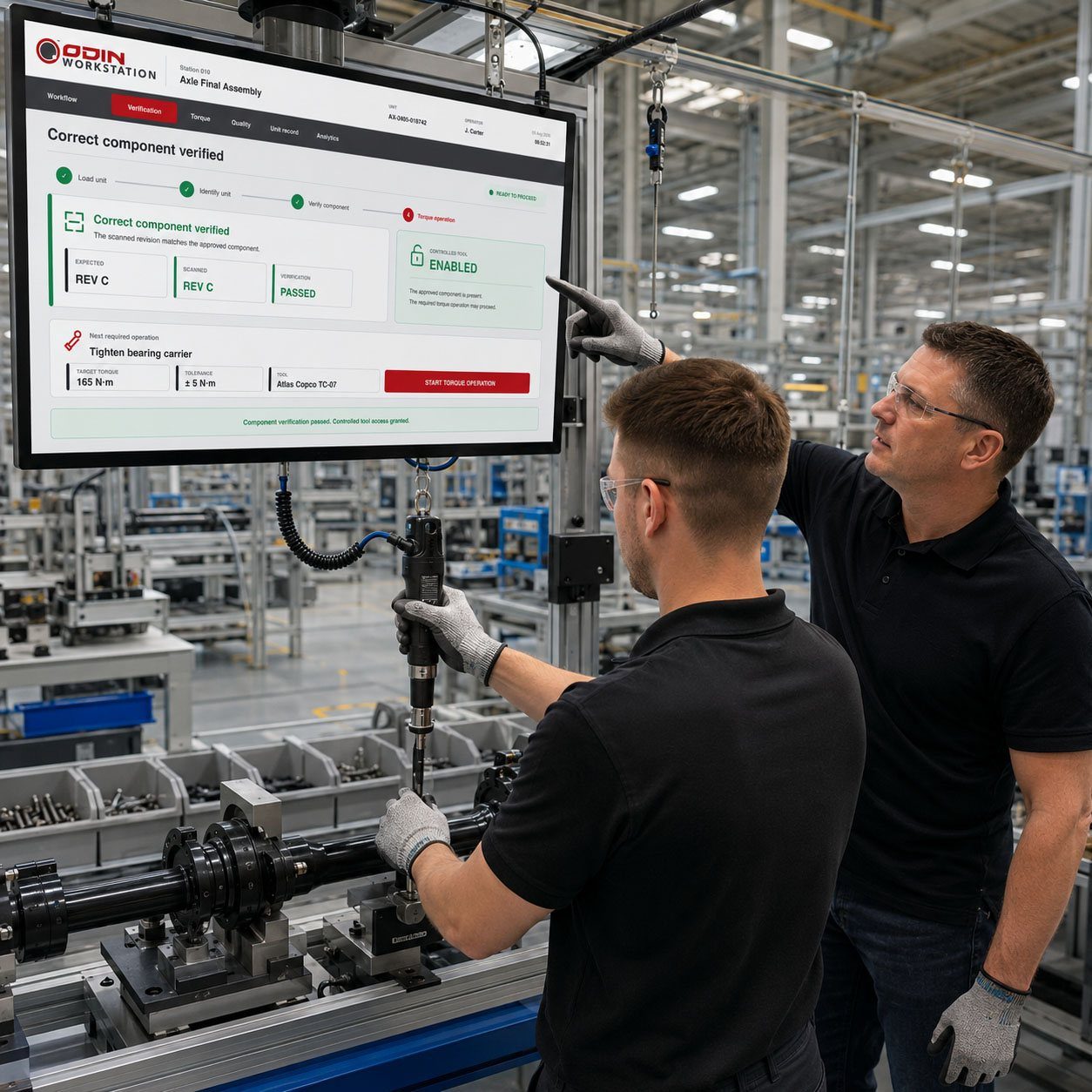
Trainer guiding an operator through steps at an ODIN Workstation

Training-focused and seasonal workforces

Cut onboarding from weeks to days with the Digital Training Dojo.
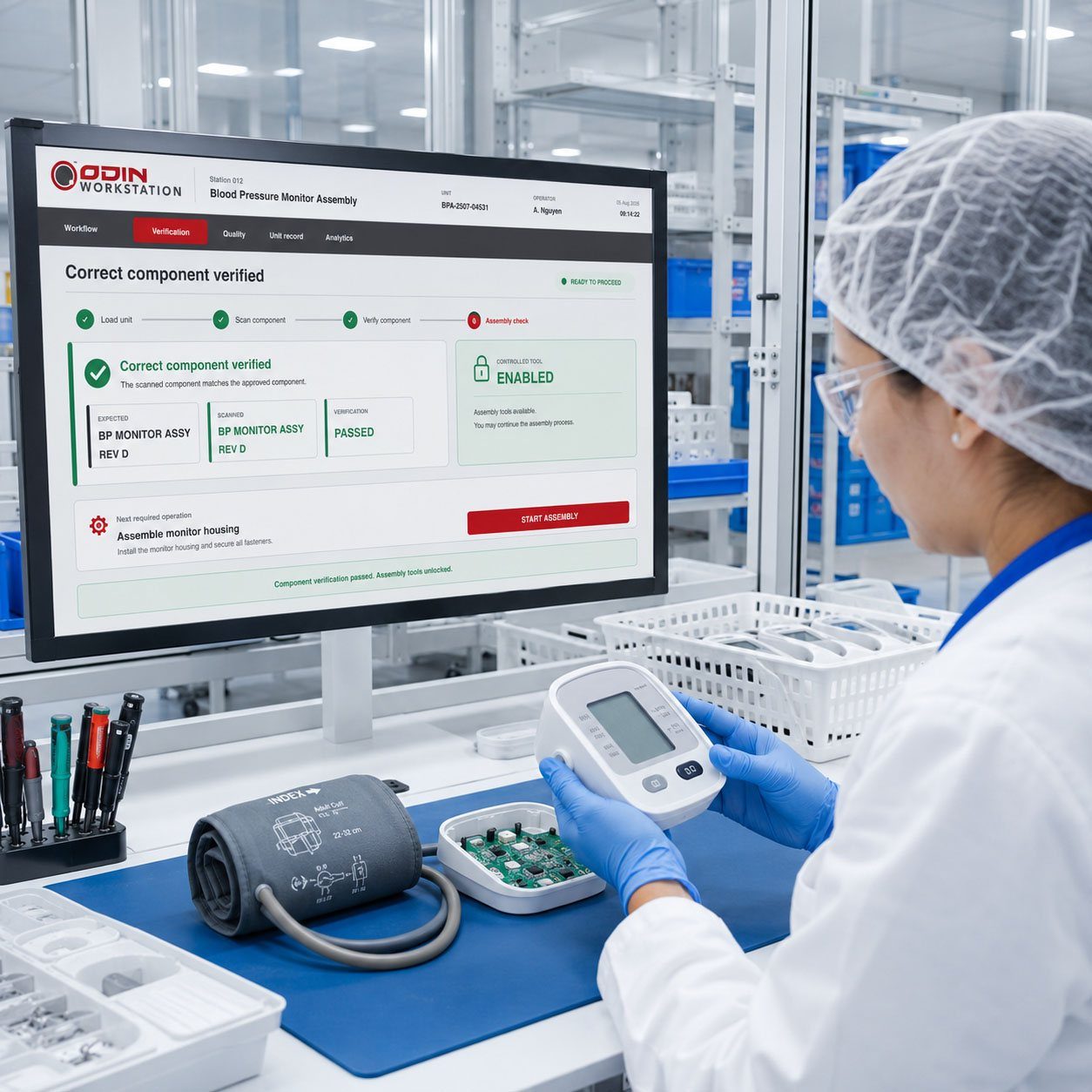
Operator in a cleanroom assembling a blood pressure monitor with on-screen guidance

Regulated industries (EV batteries, aerospace, medical devices)

Audit-ready traceability. Protect contracts with built-in compliance.
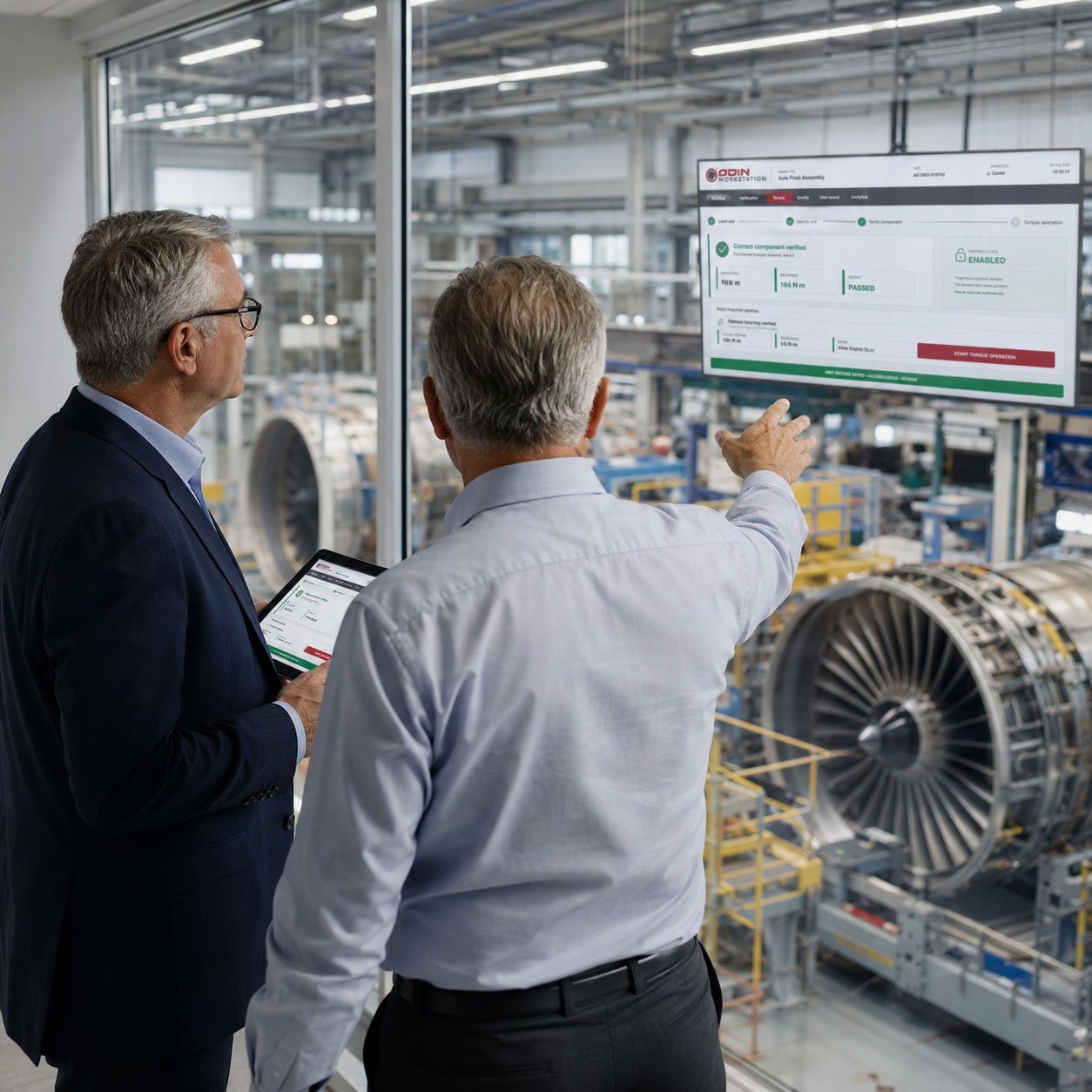
Two engineers reviewing an ODIN dashboard beside an aerospace turbine assembly

Cash-rich enterprises

ROI-driven decisions. Invest in efficiency, not more machines.

Questions manufacturers ask us

Has a related video: Can ODIN Workstation be added to an existing assembly line?

Yes. It is designed to integrate into existing lines with minimal disruption and without reworking your current layout.

Can we start small and scale later?

Yes. Many customers start with a single station pilot. Scaling across the line becomes a configuration step, not a new implementation.

Has a related video: How does ODIN Workstation differ from an MES system?

MES records what happened. ODIN Workstation controls what happens, in real time, at the station level.

Has a related video: Do operators need computer skills to use the system?

No. If an operator can follow on-screen instructions and scan a barcode, they can use ODIN Workstation.

How long does it take to see value after installation?

Most customers see measurable improvements within weeks of going live on the first station.

See all FAQs

See how it works on your line

Transform the way your factory runs with ODIN Workstation

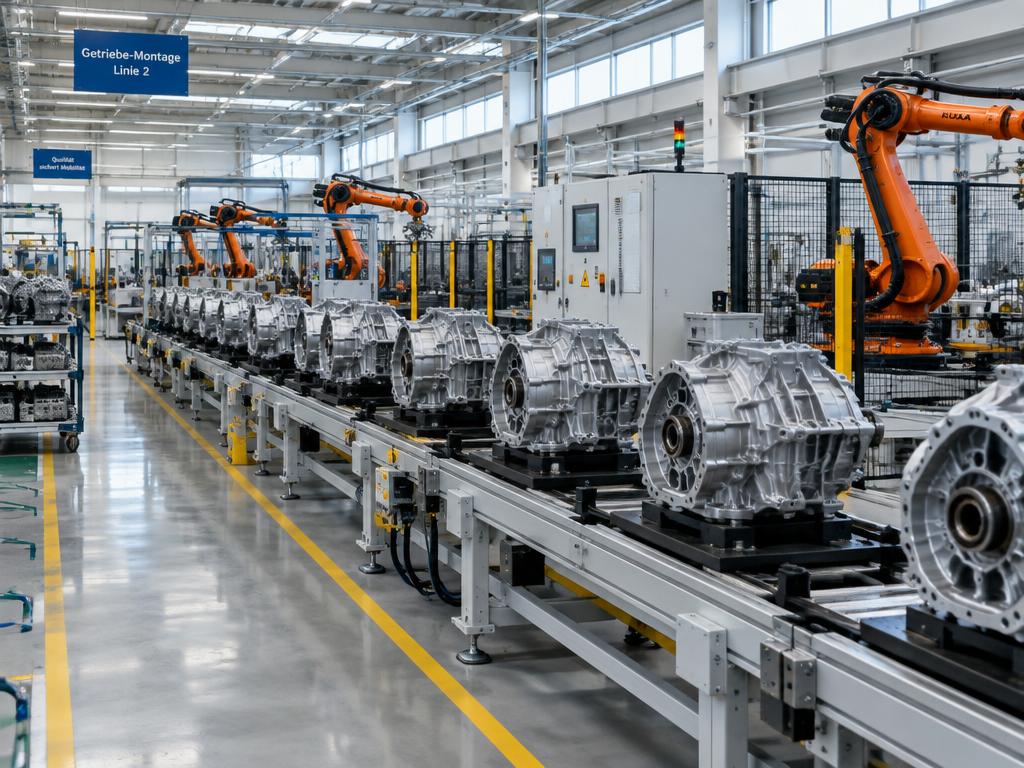
Gearbox assembly line with robots

Watch the demo

Discover how ODIN Workstation enforces every step on the line.
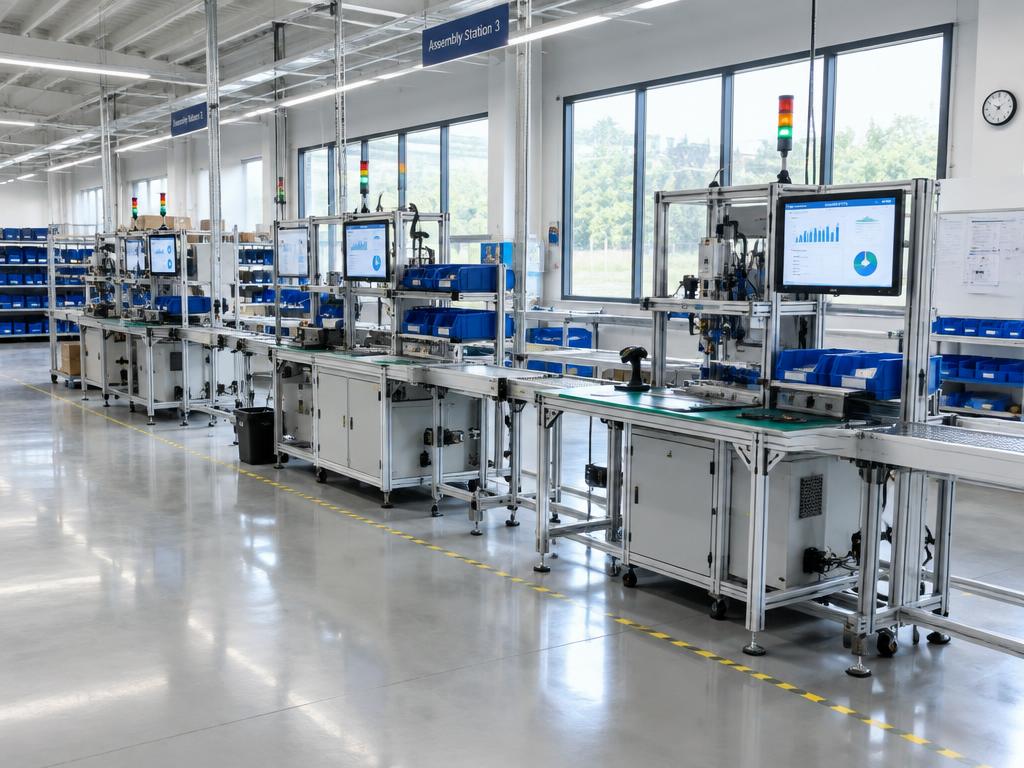
Assembly Line Pain Bible cover

Assembly Line Pain Bible

How many of these pains can you identify with every day?

Get the Pain Bible
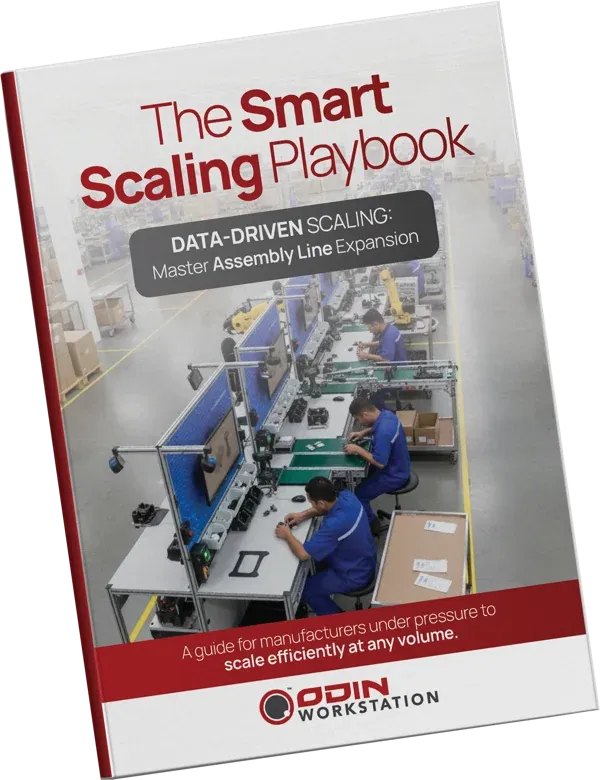
Smart Scaling Playbook cover

Get the guide

Download the Smart Scaling Playbook for growing output without new lines.

Download playbook
ODIN Workstation expert

Book a demo

Learn how ODIN Workstation saves you time and money.

Contact us