Skip to content
ODIN WorkstationBook a demo

All-in-one

Enforced Assembly system

Assembly done right

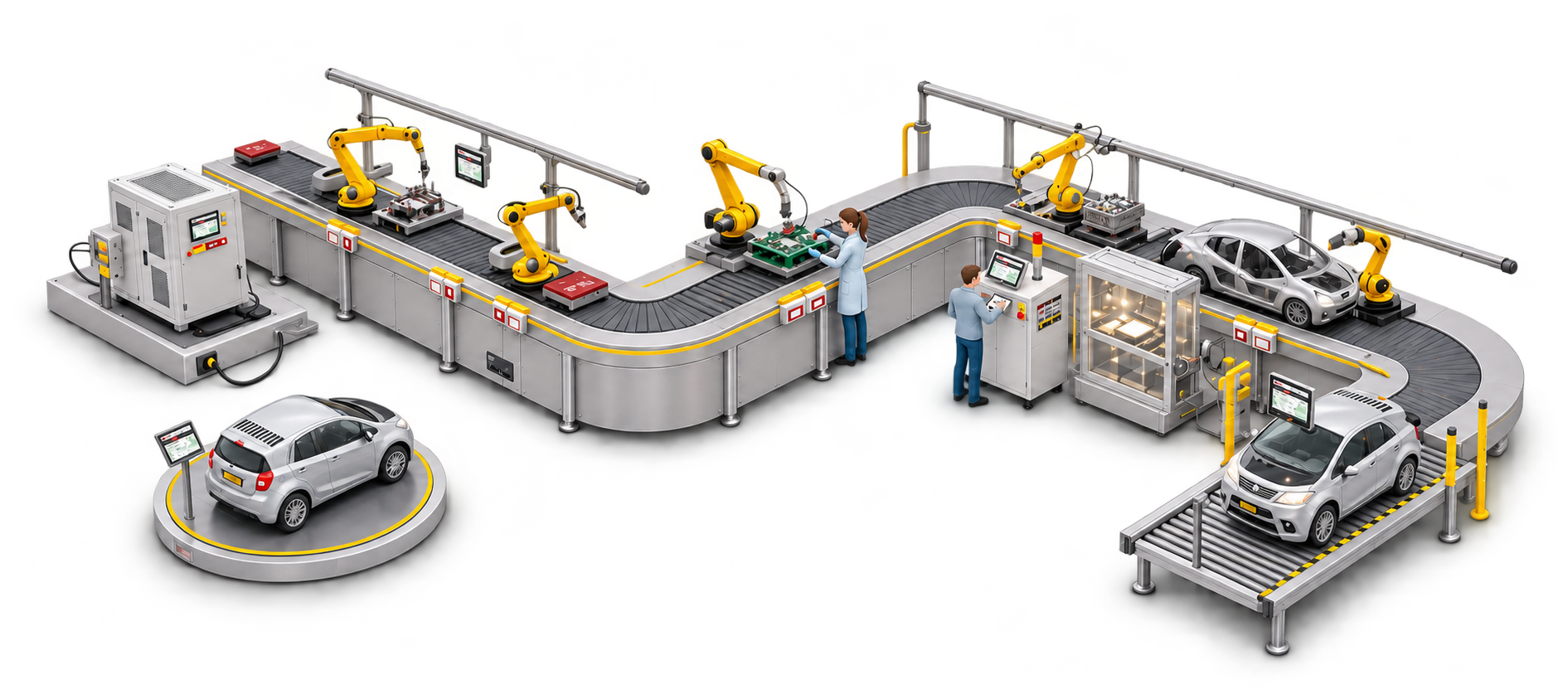
Isometric view of a connected assembly line with operators, robots and ODIN Workstation screens
Plan the work
Run the work
Prove the work

A single platform that defines, executes and verifies your assembly line. From operator to CIO.

ODIN Workstation replaces fragmented tools with one system that scales with your factory.

Manual, semi-automated or fully automated.

Why this all matters

Most assembly lines struggle with the same problems:

  • Processes live in PLC code or spreadsheets.
  • Training takes too long.
  • Quality issues are found too late.
  • Data exists, but decisions come too slowly.

ODIN Workstation fixes this by connecting process, people and machines in one operating system.
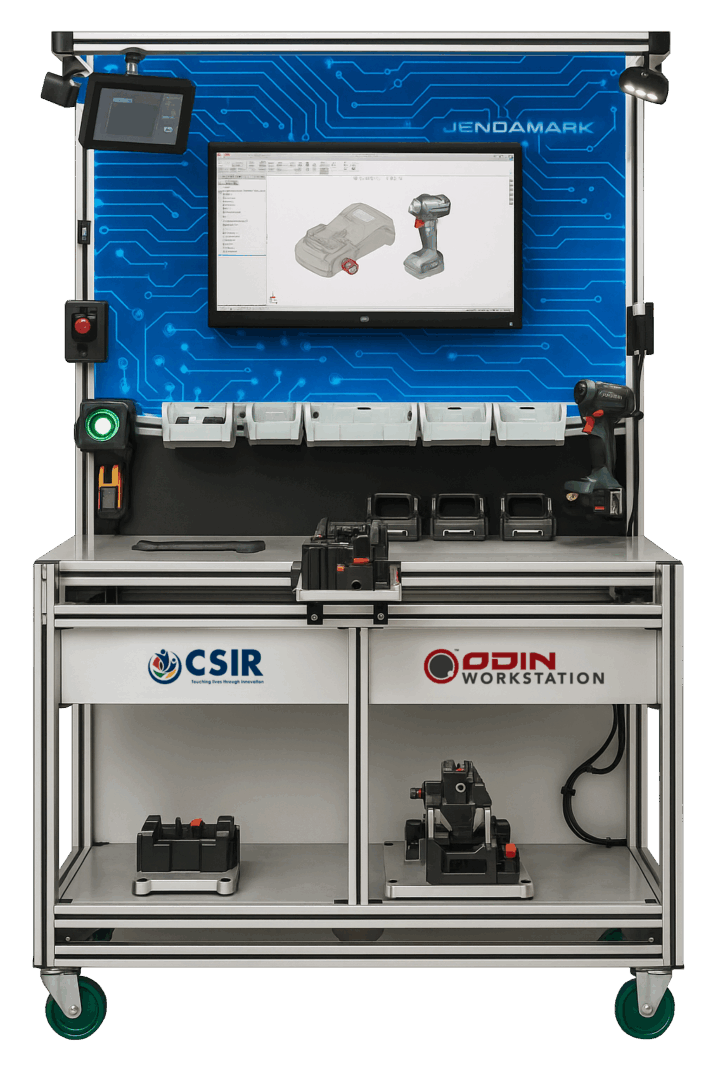
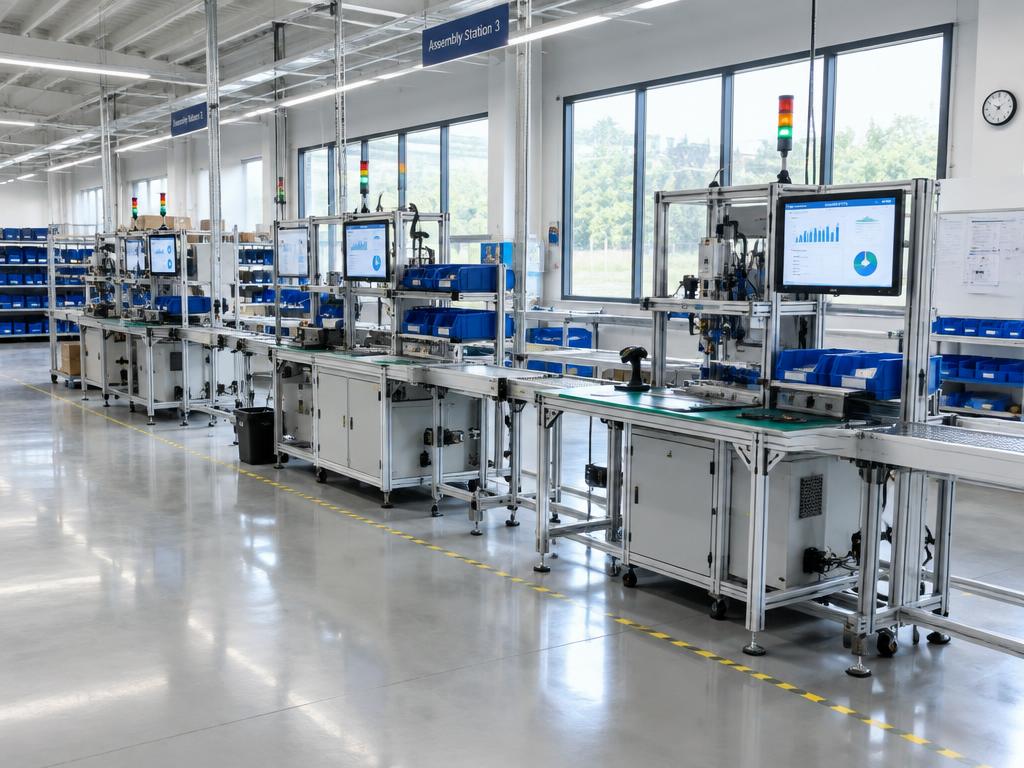
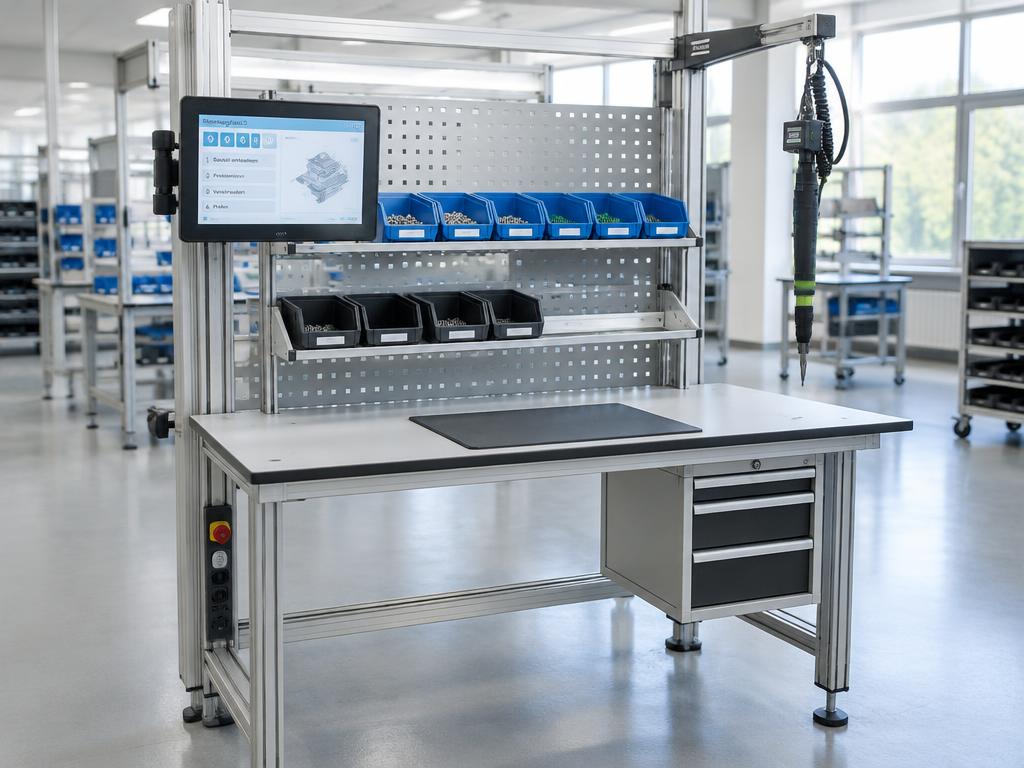
Front view of the ODIN Workstation cart with its touchscreen, guided part bins and torque tools

Connected station

Your tools, scanners and printers. One station brain.

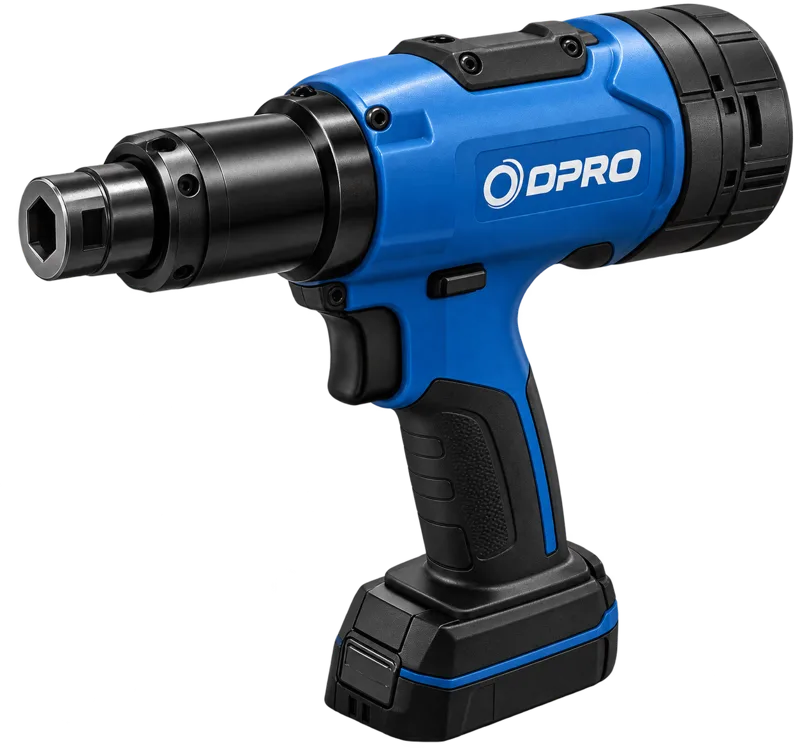
ODIN Workstation talks directly to the devices on your bench, so every scan, torque and label is checked and recorded as it happens.
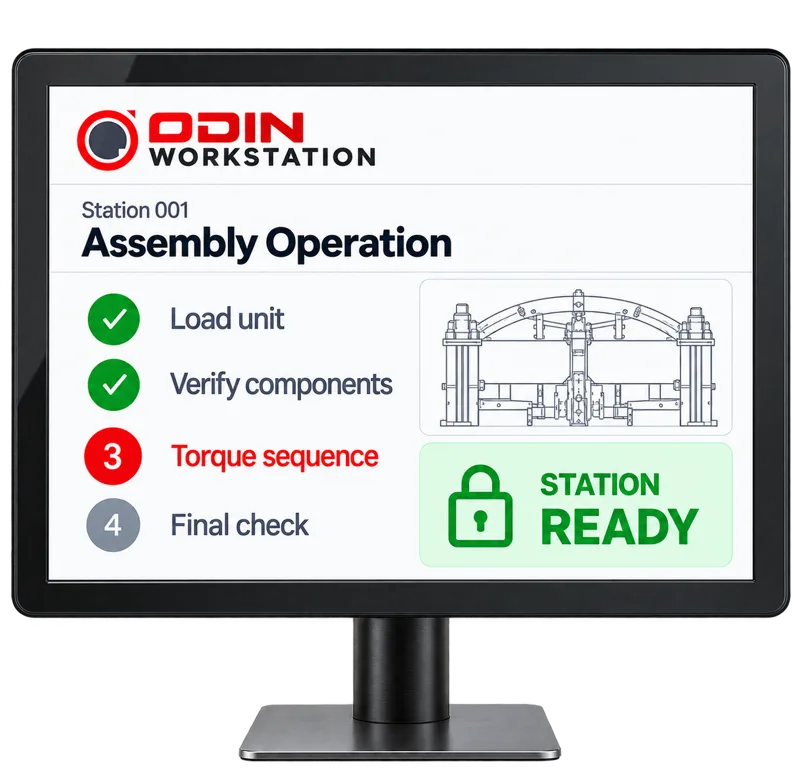
ODIN Workstation screen showing an assembly operation with station ready
  • Ethernet-connected cordless torque tool

    Bolting tool

    Ethernet

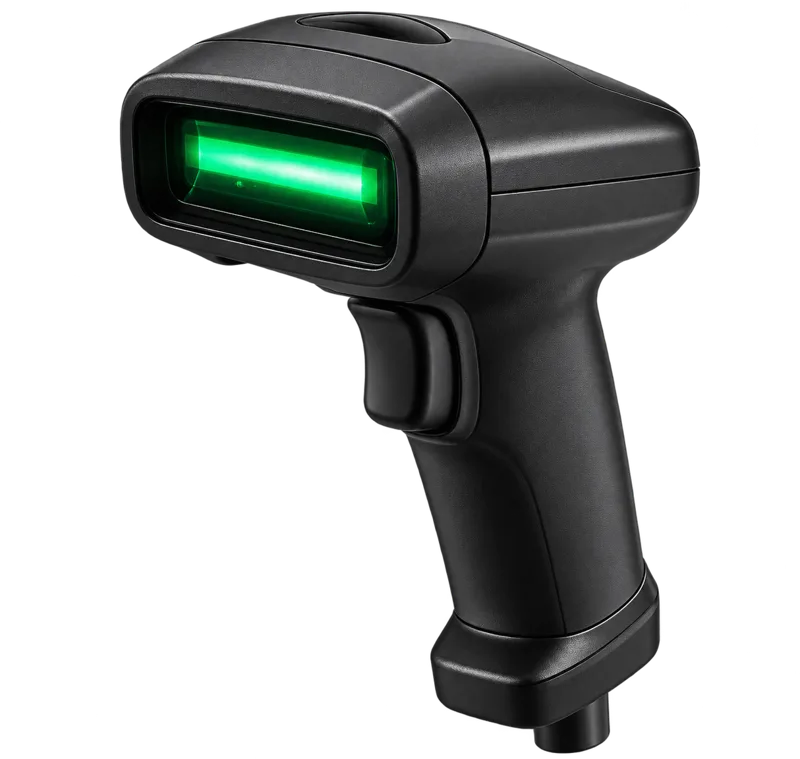
  • Handheld barcode and 2D code scanner

    Code scanner

    USB / Ethernet

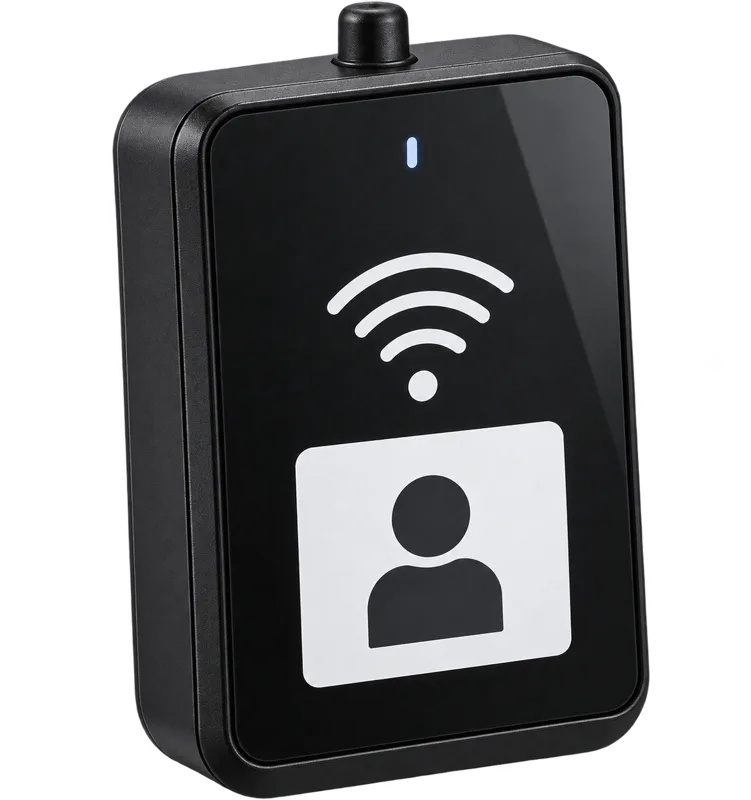
  • Operator RFID badge reader

    Badge reader

    USB

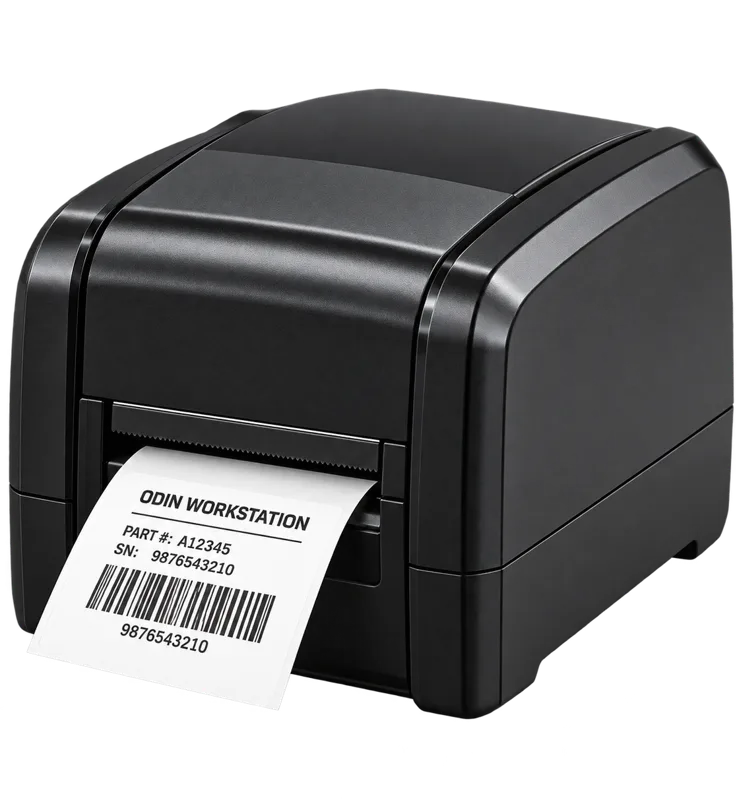
  • Industrial label printer printing a part label

    Label printer

    Ethernet

On basic manual stations, this set-up can reduce the need for a PLC.

01 · Plan

Plan the work

Define your assembly process digitally before production. No hard-coding, no paper instructions, no line stoppages. Define it once and reuse it across shifts, lines and plants.
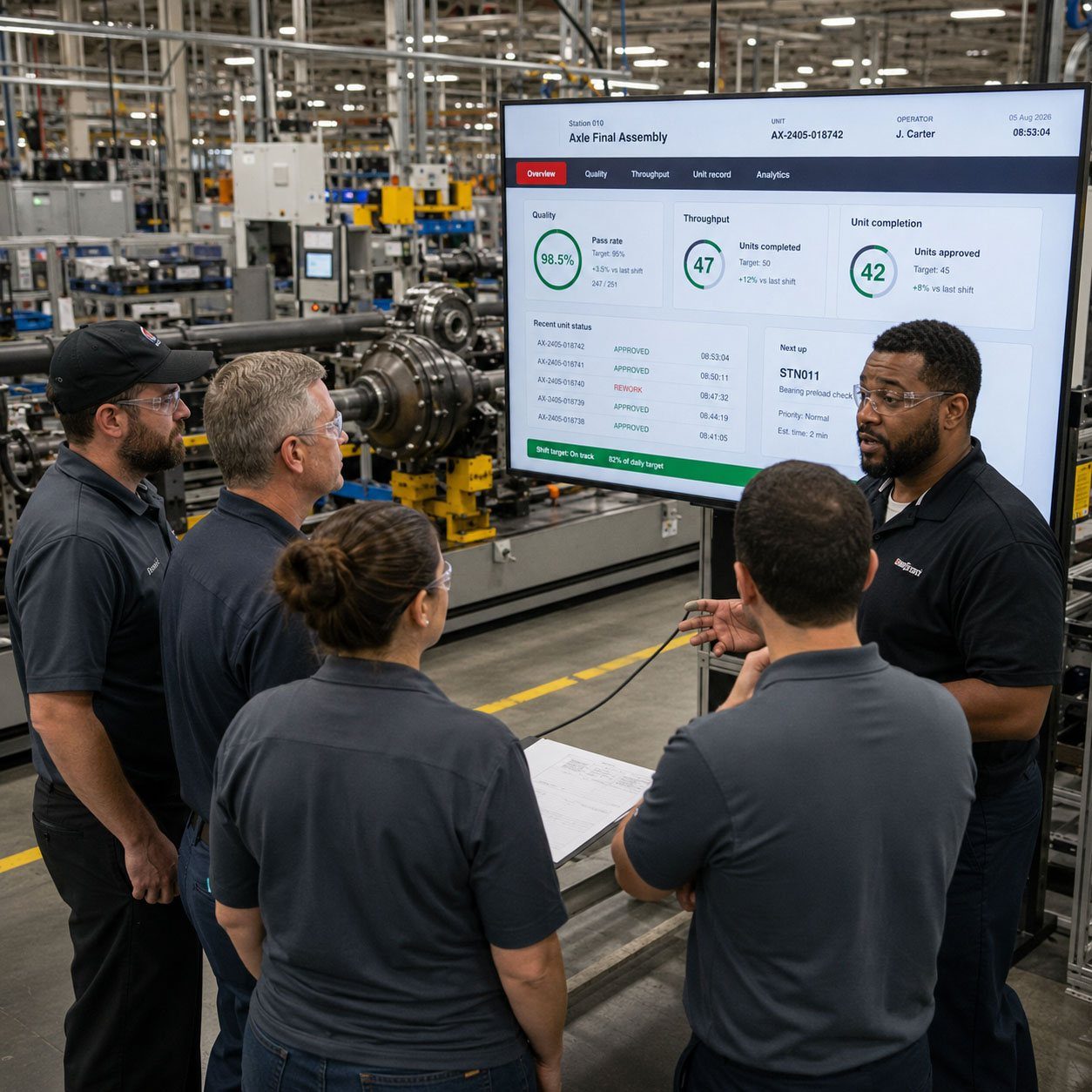
Engineering team planning an assembly process in front of an ODIN Workstation dashboard

No-code process setup

Configure steps, logic and quality rules without PLC reprogramming.

Variant and product control

Handle mixed production, just-in-time and just-in-sequence.

Faster commissioning

Work in parallel to reduce risk and shorten ramp-up.
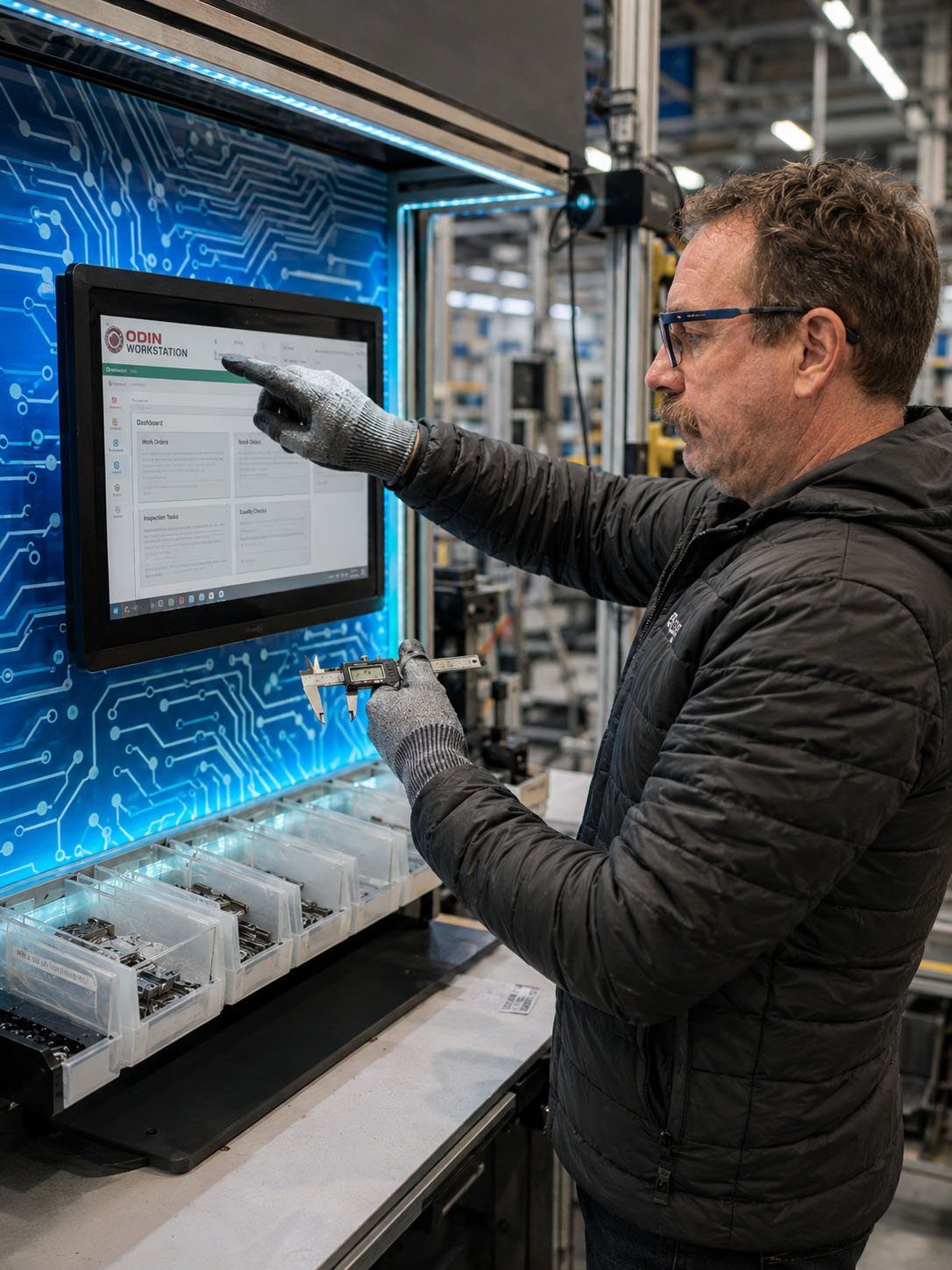
Operator using the ODIN Workstation touchscreen while measuring a part

02 · Run

Run the work

ODIN guides operators step by step, controls and verifies the machines, and enforces the correct order of every action. Shorter training, fewer errors, more stable throughput.
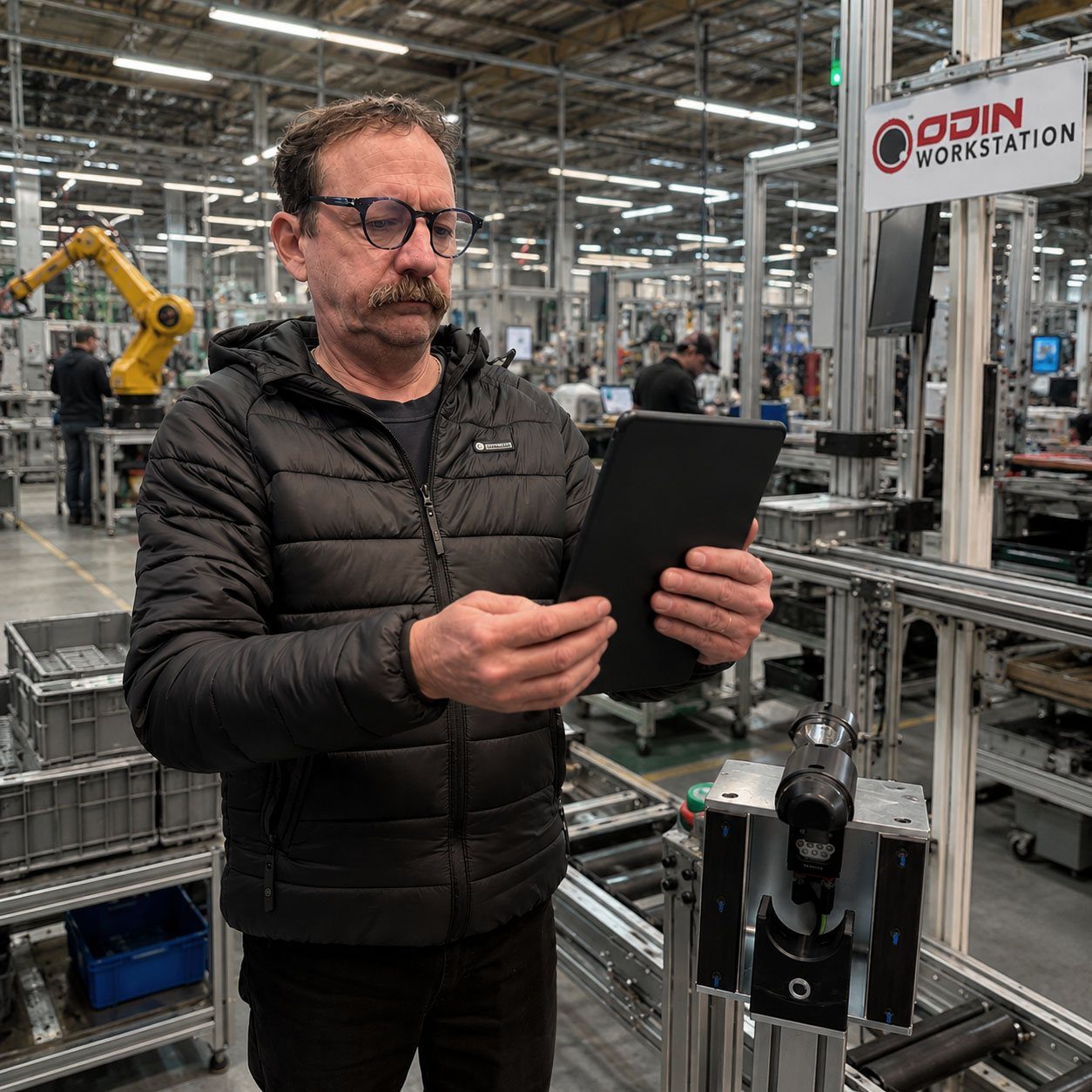
Production manager checking live station status on a tablet on the assembly floor

Smart work instructions

Instructions adapt to product, variant and station.

Hardware control

Tightening tools, scanners, cameras and automation work as one system.

Rework built in

Failed parts are routed correctly and can't skip checks.
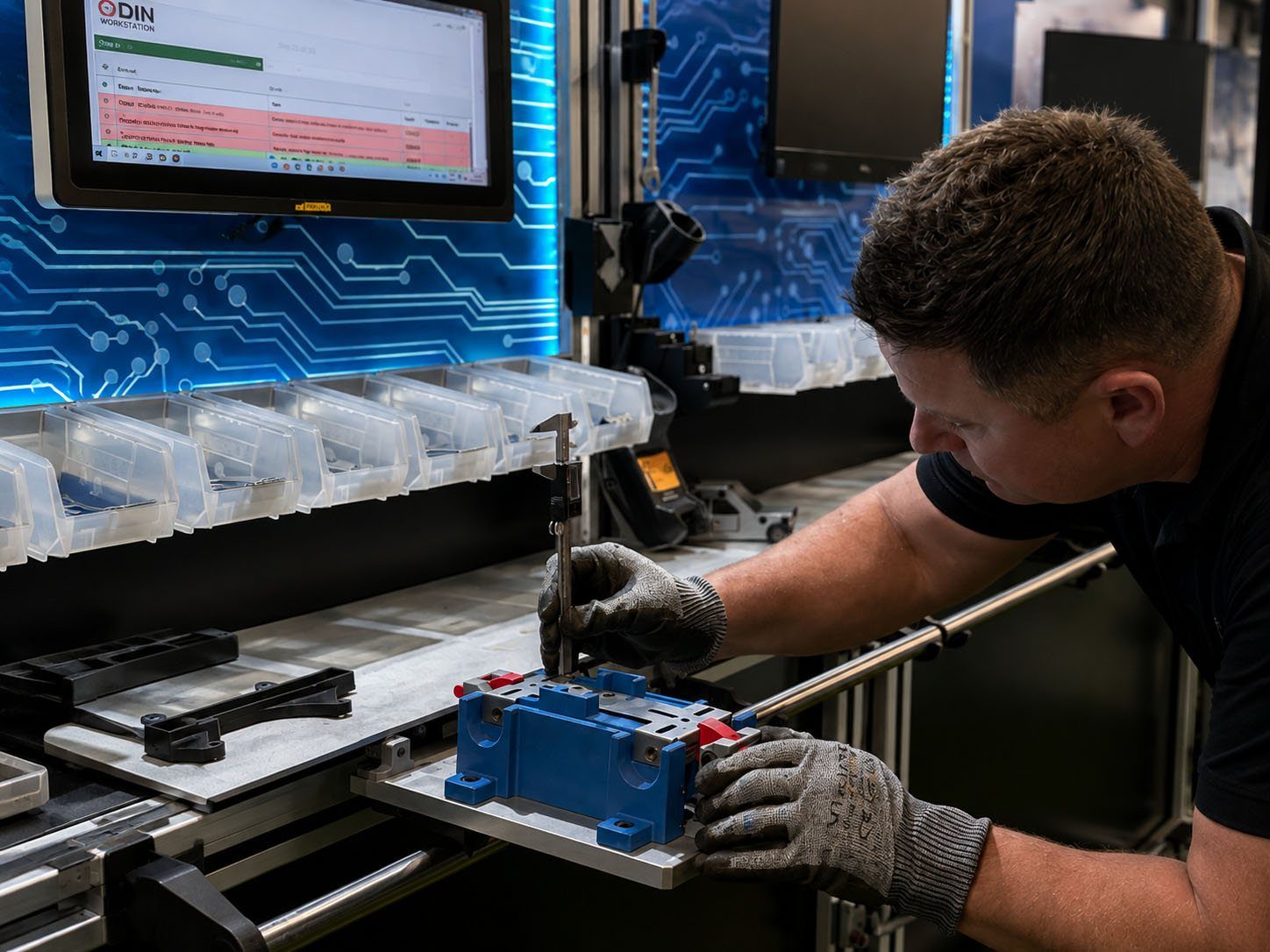
Operator connecting a component at an ODIN Workstation fixture with guided instructions

03 · Prove

Prove the work

ODIN automatically records every operation, result and deviation, proving each product was built right and showing where to improve. The data is ready for audits, customers and AI.
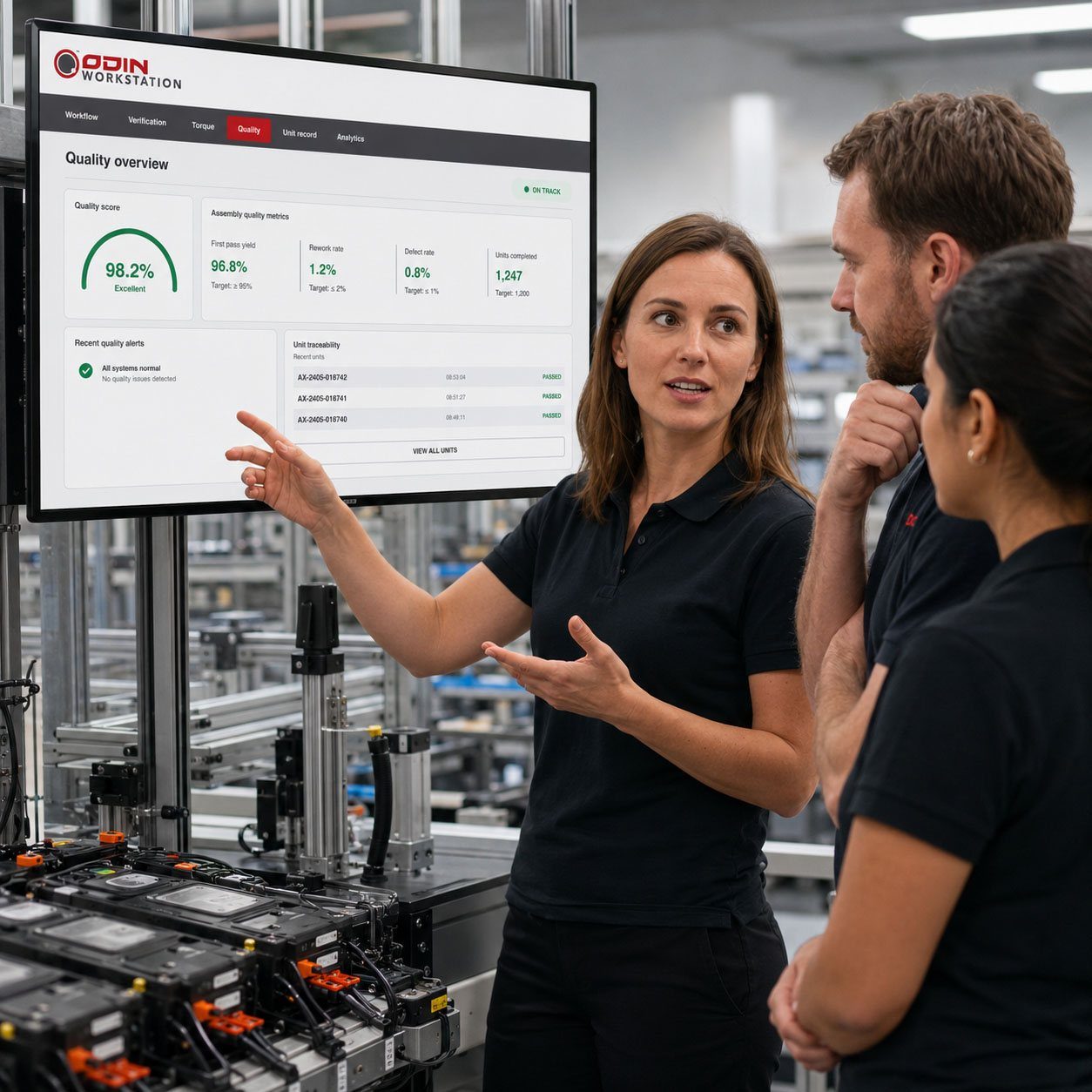
Quality engineer presenting live production results on an ODIN dashboard to two colleagues

Quality analytics

Live Cpk, OK/NOK tracking and first-time-through insight.

Performance visibility

See performance by operator, station and line.

Continuous improvement

Make decisions with real production data.
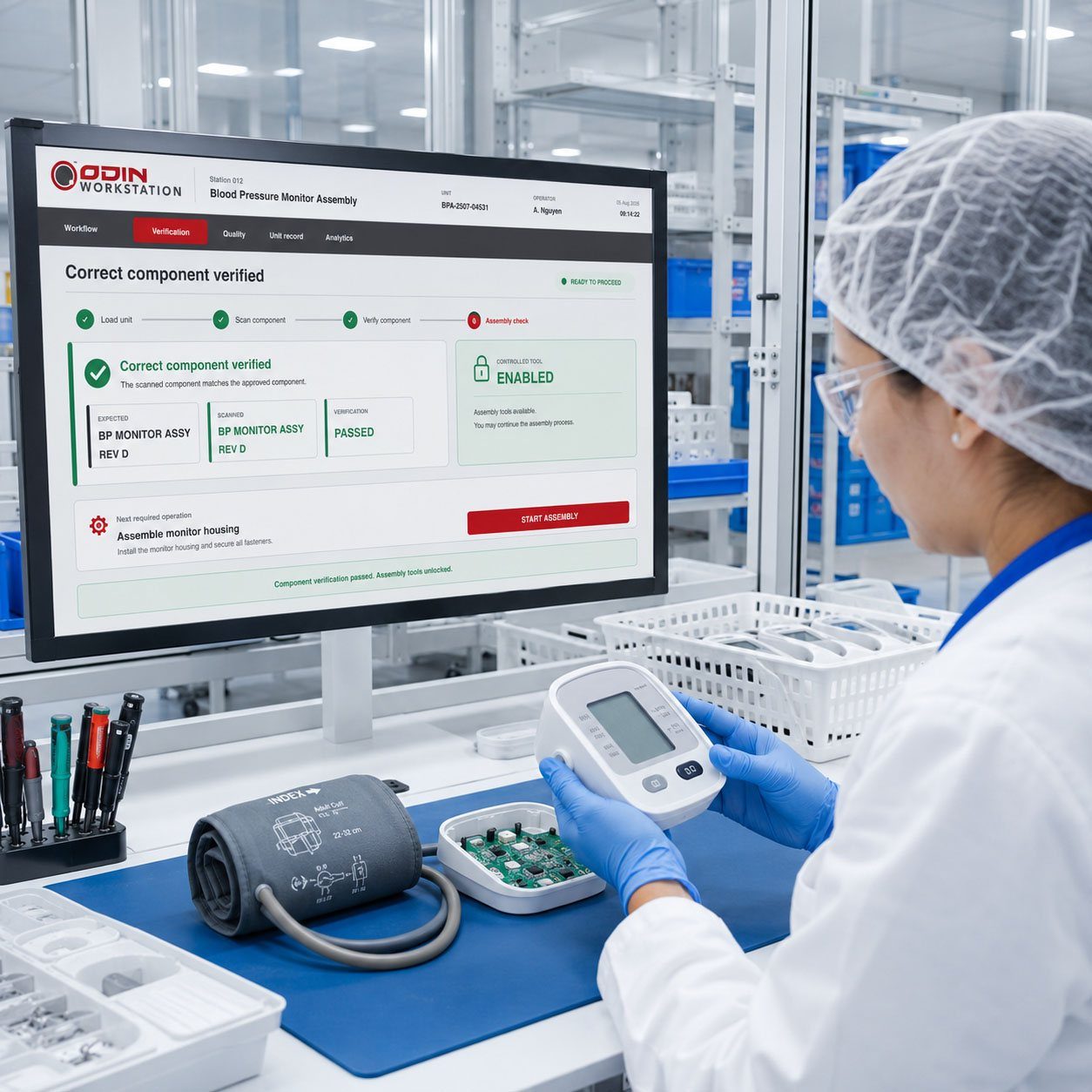
Operator in a cleanroom assembling a blood pressure monitor with on-screen guidance and recorded checks

The closed loop

Every step enforced. Every result recorded.

This is what Plan, Run and Prove looks like at the station: six checks that run on every single part.
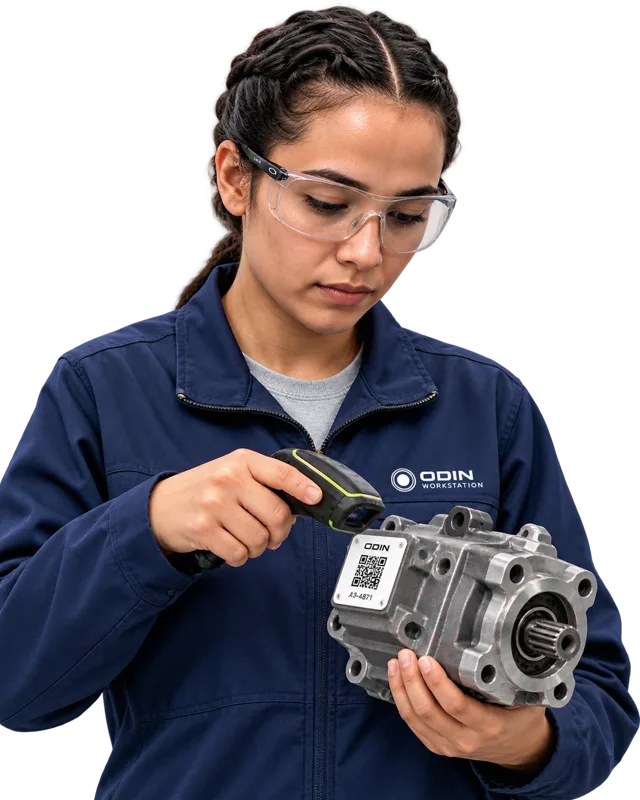
  1. Operator scanning a part to log in at the station

    Step 1

    Operator identity

    Badge in. Only trained operators start the job.
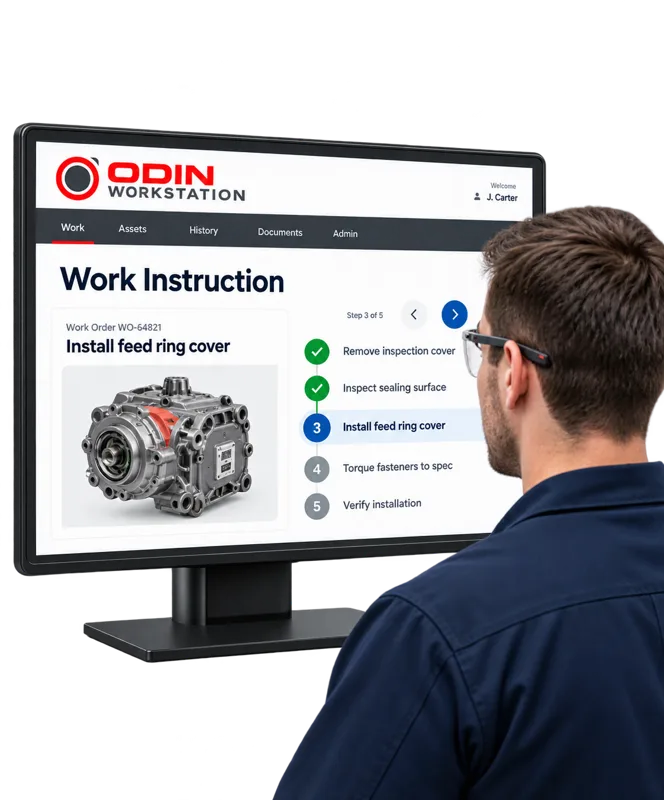
  2. Operator following a work instruction on the ODIN Workstation screen

    Step 2

    Guide the work

    Clear, step-by-step instructions on screen.
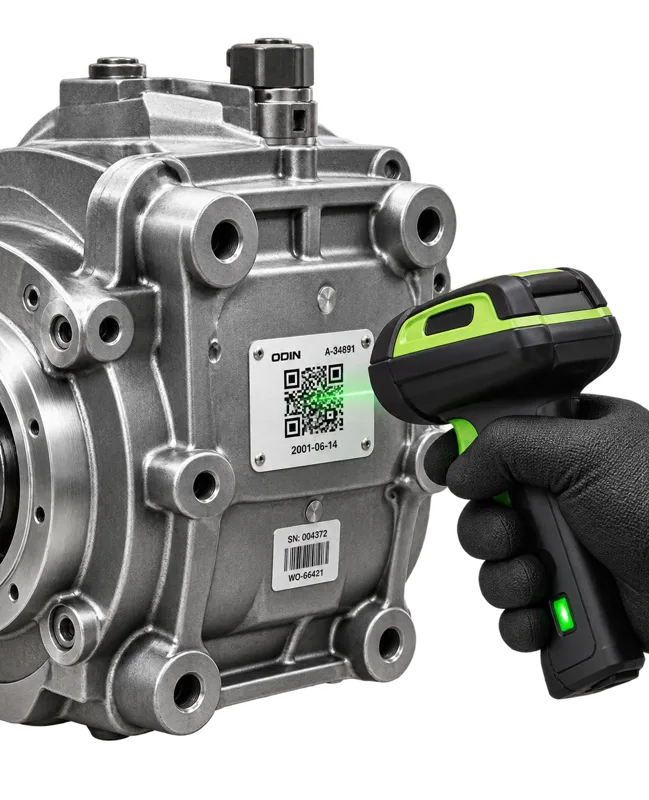
  3. Handheld scanner reading the code on a component

    Step 3

    Verify the part

    Scan each component. Wrong part, no next step.
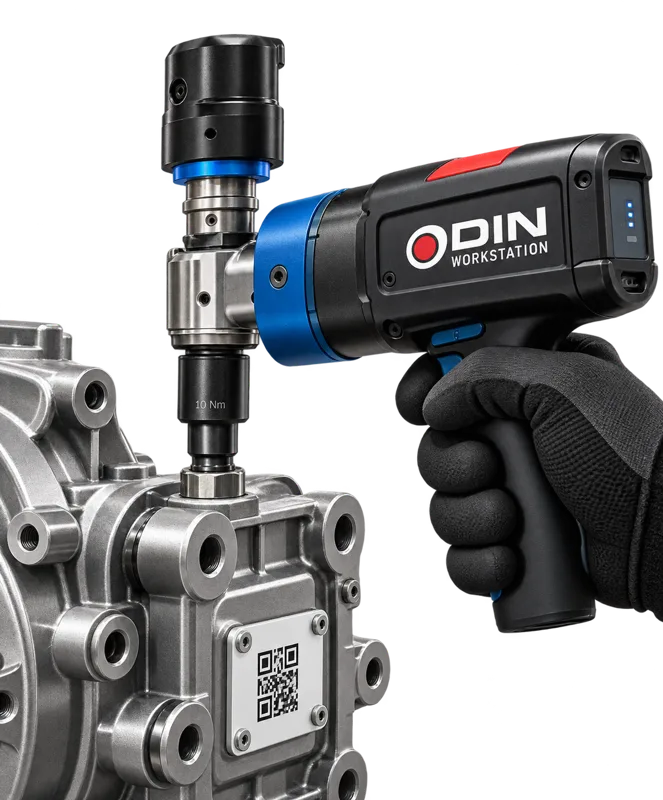
  4. ODIN-branded torque tool tightening a bolt on a housing

    Step 4

    Controlled tool

    Right program, right torque, right sequence.
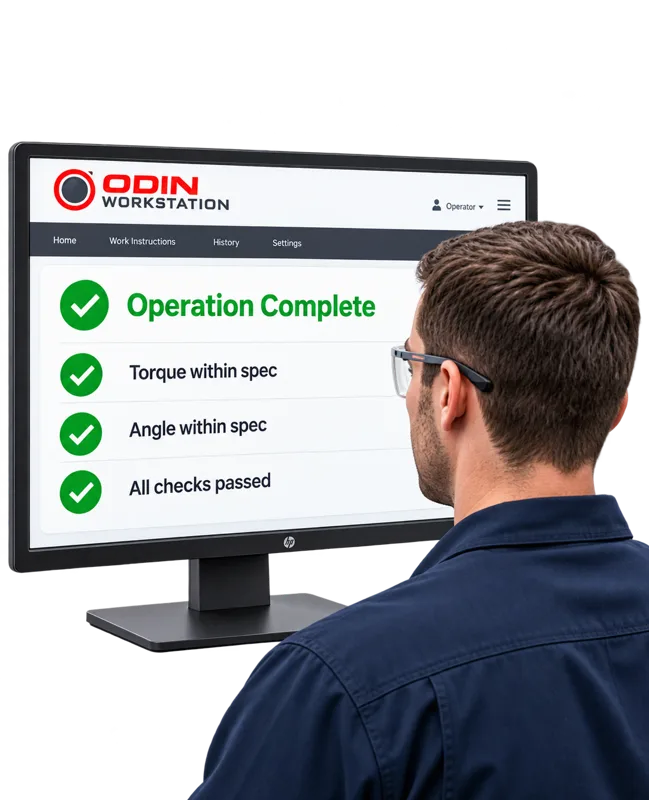
  5. Screen confirming operation complete with all checks passed

    Step 5

    Quality check

    Torque and angle within spec, checks passed.
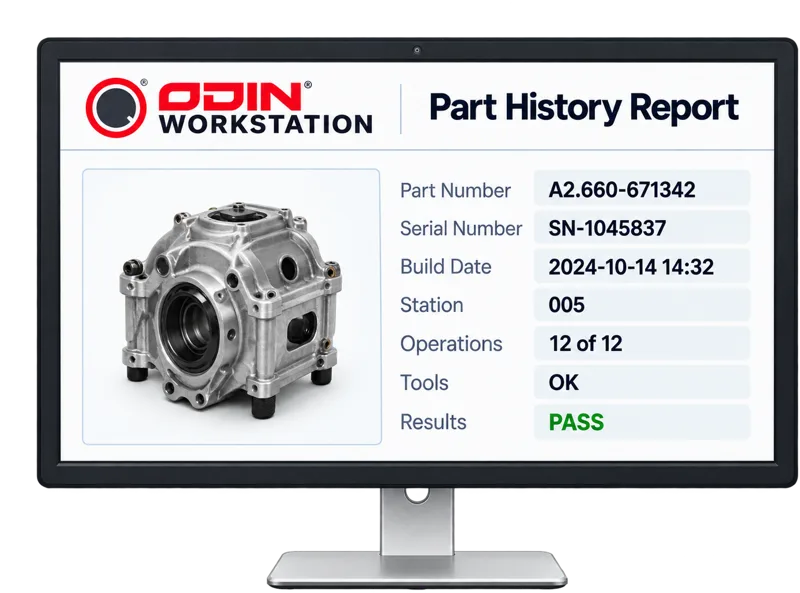
  6. Part History Report showing serial number, operations, tools and pass result

    Step 6

    Part History Report

    A birth certificate for every serial number.

Not three tools. One operating system.

Planning, execution and validation in one platform, for small or large factories, simple or complex products, and any level of automation.

  1. 01Plan
  2. 02Run
  3. 03Prove
A quality engineer, an assembly operator and a technician each holding a finished product built with ODIN Workstation

See how it works on your line

Book a demo

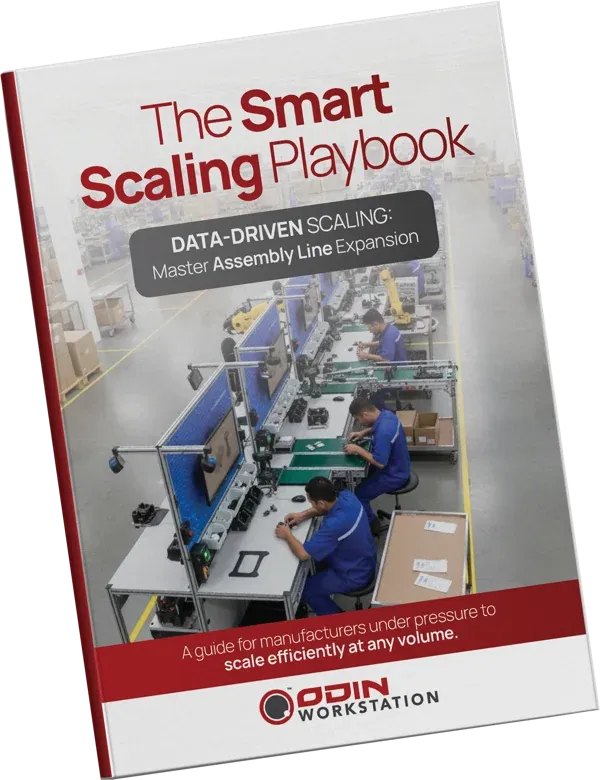
Smart Scaling Playbook

Scale Smarter

The 5-step Smart Scaling Playbook for growing output without new lines or extra headcount.

Download

Transform the way your factory runs with ODIN Workstation

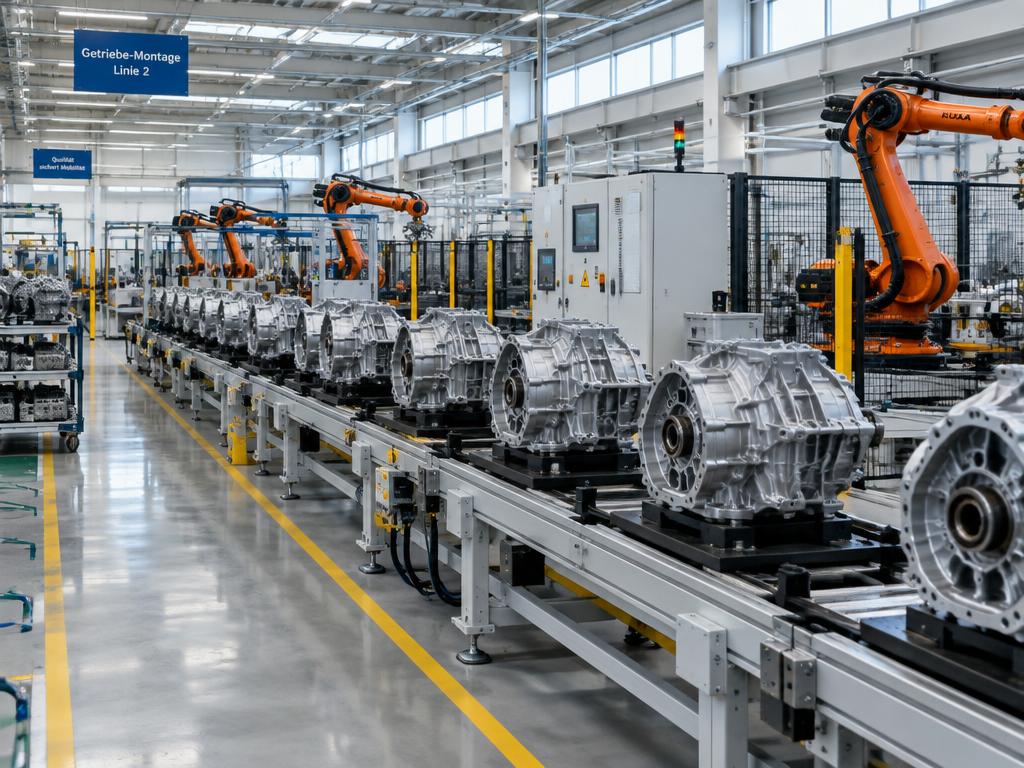
Gearbox assembly line with robots

Watch the demo

Discover how ODIN Workstation enforces every step on the line.
Assembly Line Pain Bible cover

Assembly Line Pain Bible

How many of these pains can you identify with every day?

Get the Pain Bible
Smart Scaling Playbook cover

Get the guide

Download the Smart Scaling Playbook for growing output without new lines.

Download playbook
ODIN Workstation expert

Book a demo

Learn how ODIN Workstation saves you time and money.

Contact us