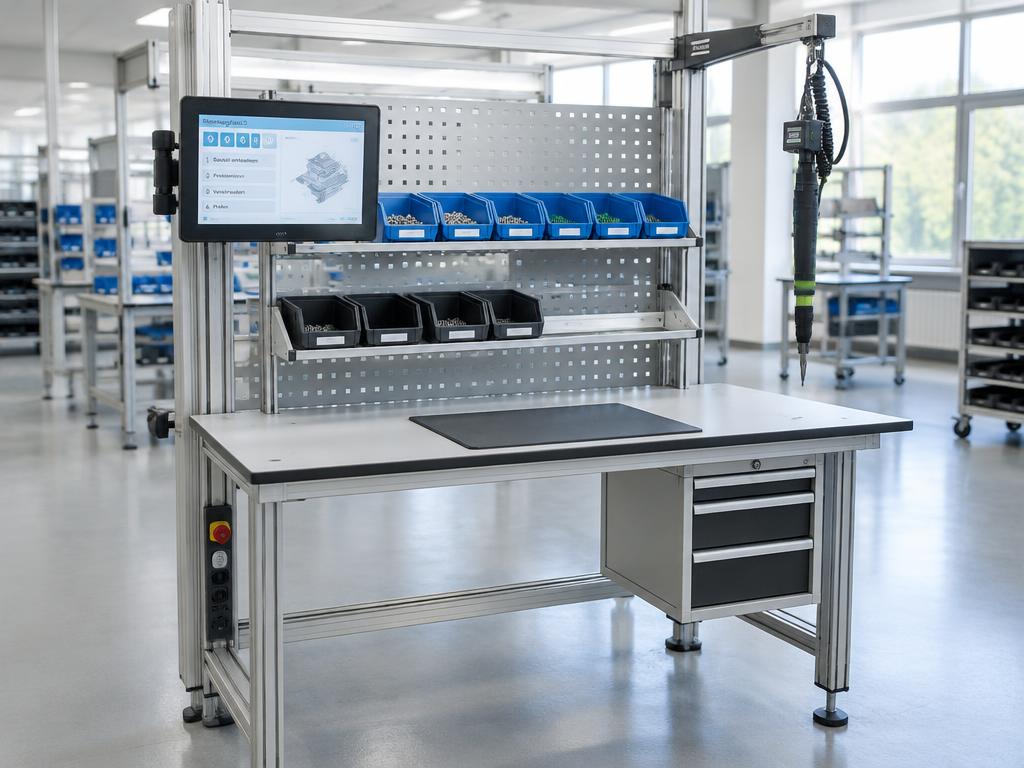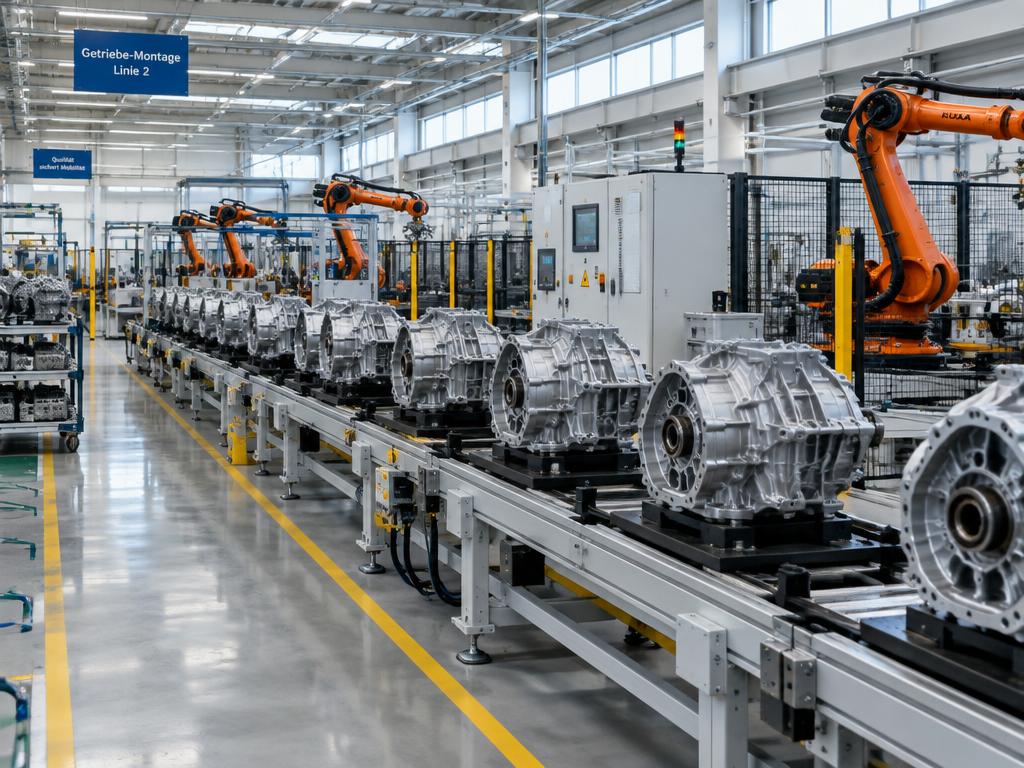
Watch the demo
Discover how ODIN Workstation enforces every step on the line.
FAQs
Real questions from manufacturers looking to scale smarter about ODIN Workstation.
Many answers include a short related video, marked with a play icon.
Contact salesNo. ODIN Workstation is designed for manual and semi-manual assembly lines. You can begin with digital guidance, basic traceability, and data capture, then add automation later if required.
Yes. It is designed to integrate into existing lines with minimal disruption and without reworking your current layout.
Yes. Many customers start with a single station pilot. Scaling across the line becomes a configuration step, not a new implementation.
At minimum, a way to identify each product, typically a barcode or RFID. From there, devices and integrations can be added over time.
Yes. It is especially effective in high-mix, variant-driven environments where consistency is critical.
No. While widely used in automotive, it is also used in industrial equipment, engineered products, and complex manual assembly environments.
Most customers see measurable improvements within weeks of going live on the first station.
The built-in Digital Training Dojo turns onboarding into a measurable process. Operators learn through guided digital steps, while their performance is automatically tracked. Training that used to take weeks can be reduced to days, and every operator reaches the same consistent standard.
No. The interface is simple, visual, and task-focused. Operators see only what they need to complete the current step.
No. If an operator can follow on-screen instructions and scan a barcode, they can use ODIN Workstation.
No. It typically increases throughput by preventing mistakes, reducing rework, and eliminating uncertainty.
Yes. Multiple operators can work in parallel on the same assembly, each with their own guided instructions.
Yes. Additional languages can be supported to ensure clear guidance for multilingual teams.
Yes. Operators can be trained in the Digital Training Dojo before going live, ensuring a smooth ramp-up.
Yes. Every action, result, and operator ID is recorded automatically, creating an instant audit trail.
It enforces correct processes in real time. Incorrect parts, missing steps, or out-of-tolerance results stop the process immediately.
Yes. Each product has a complete digital history covering assembly steps, measurements, deviations, and rework.
Yes. Reports can be viewed, downloaded, or shared in formats suitable for audits and customer requirements.
Deviations are controlled by user roles, logged automatically, and fully traceable to the responsible person.
Yes. Customers typically see a significant reduction by catching issues early rather than at end-of-line inspection.
Yes. End-of-line checks can trigger automatic certificate generation when all requirements are met.
No. Insights relies on structured data captured by Workstation to produce reliable analytics.
MES records what happened. ODIN Workstation controls what happens, in real time, at the station level.
Yes. It integrates with PLCs, vision systems like ODIN Phantom, and a wide range of industrial devices.
Torque tools, presses, gauges, scanners, RFID, printers, testers, and more. Additional devices can be added as needed.
Yes. Sequences, variants, and station flows are configured using a web interface without writing code.
In most cases, yes. Updates can be deployed quickly with minimal or no downtime.
Yes. Access is role-based, and all changes are logged and traceable.
Typical outcomes include faster training, higher throughput, reduced errors, and instant traceability.
Yes. Customers consistently report measurable improvements from the first station onward.
Yes. You can start with one station and scale across lines, plants, or regions over time.
Yes. It provides the data and control needed to support lean, quality, and CI initiatives.
Yes. You can book a demo, view videos, or visit the facility to see live stations in operation.
You can begin with a discovery call to discuss your current process and challenges. We will help you identify where digital work instructions, operator guidance, and real-time data can make the biggest impact. Start small, measure results, and scale when ready.
Implementation, commissioning, and ongoing support are available based on your needs and region.
Discover how ODIN Workstation enforces every step on the line.
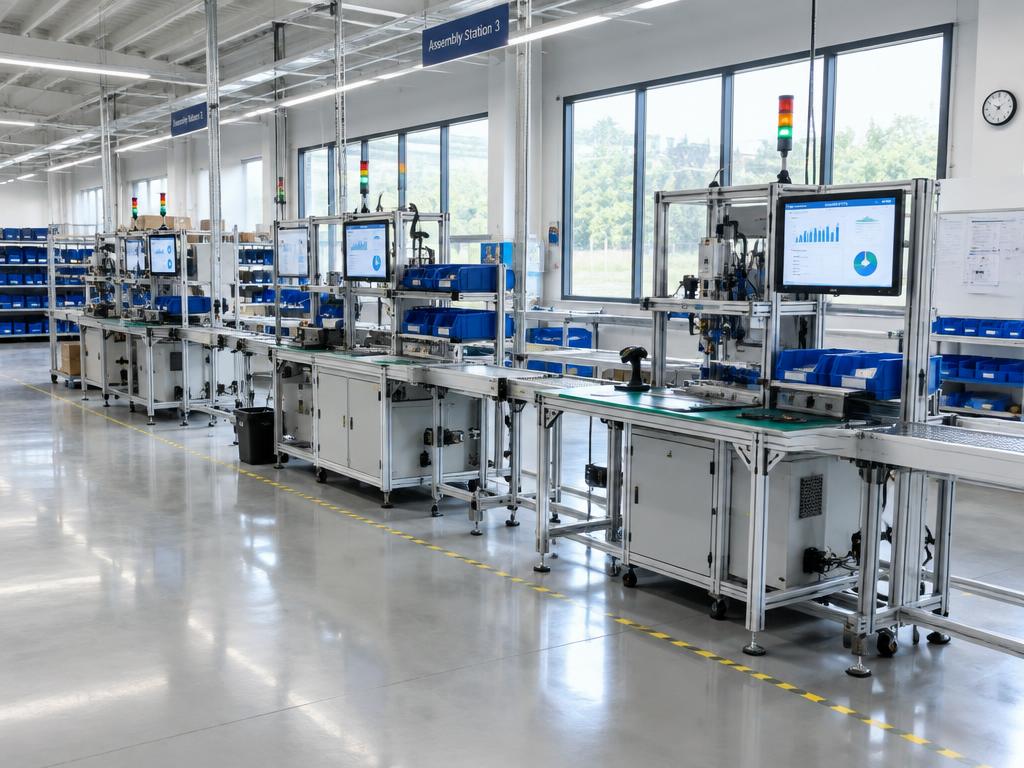

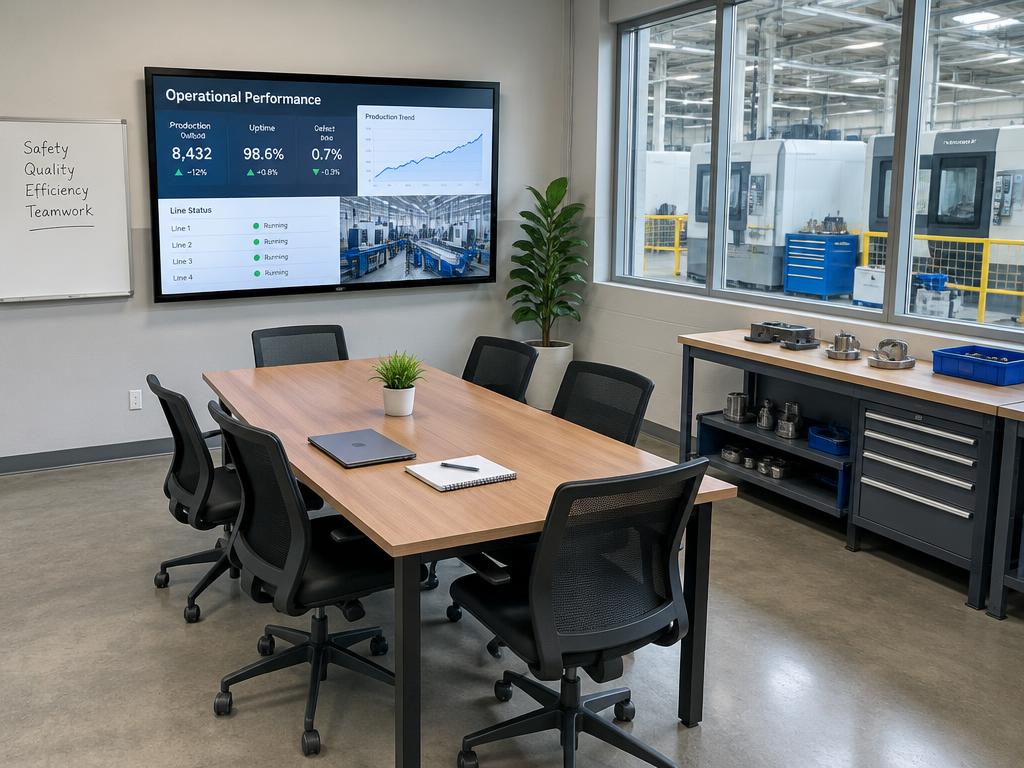
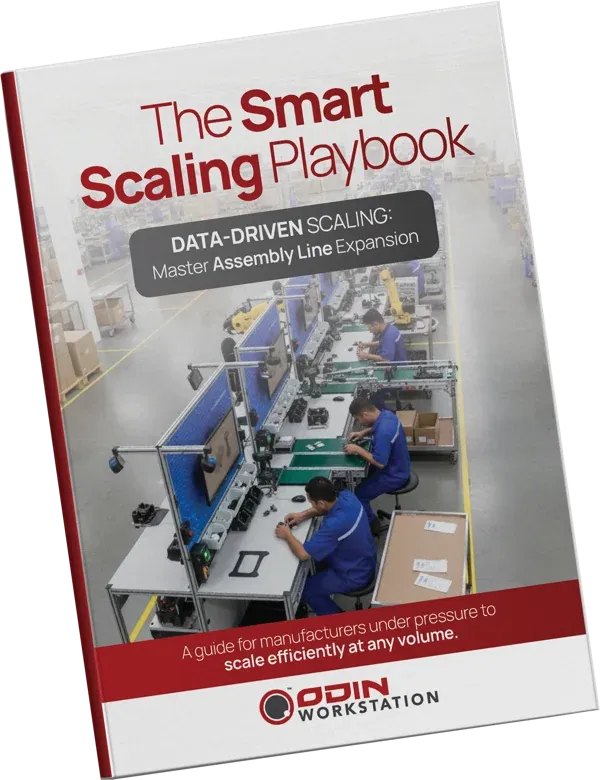
Download the Smart Scaling Playbook for growing output without new lines.
Download playbook